Chapter 6
Maps Are Where It’s At
In This Chapter
 Finding out where you’re at
Searching
Navigating around by viewing, zooming, and panning
Bookmarking favorites
Getting to where you want to go fast: routes and real-time traffic
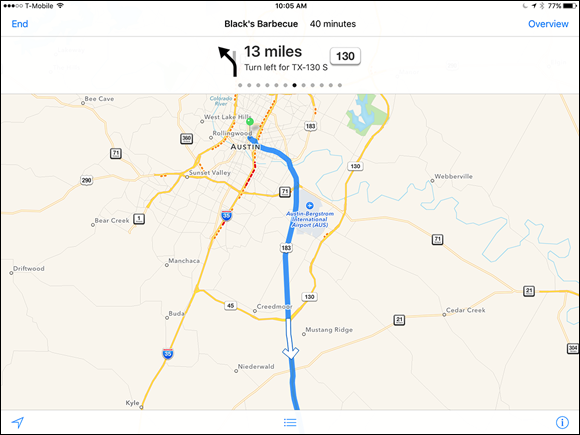
With Maps on the iPad, you can quickly and easily discover exactly where you are, find nearby restaurants and businesses, get turn-by-turn driving instructions from any address to any other address, and see real-time traffic information and a photographic street view of many locations as well.
Apple says Maps is “beautifully designed from the ground up (and the sky down),” and we have to agree. But beyond its good looks, zooming in and out is faster than ever, and the spoken turn-by-turn navigation with real-time traffic updates actually works in most places. Plus it has a cool 3D flyover view.
Get iPad For Dummies now with the O’Reilly learning platform.
O’Reilly members experience books, live events, courses curated by job role, and more from O’Reilly and nearly 200 top publishers.

