March 2006
Intermediate to advanced
304 pages
9h 55m
English
In this exercise, you’ll take the biped on a bumpy subway ride as it holds on to an overhead handle.
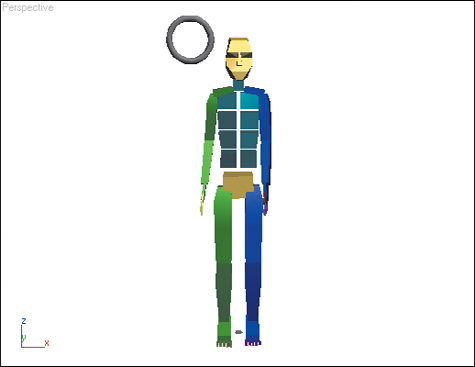
1. | Load the file Subway.max from the CD.
This file contains a biped with two standing footsteps lasting throughout the entire animation. It also contains a small torus to be used as a handle. The torus is frozen to make it easier for you to do the exercise.
|
2. | Go to frame 0.
|
3. | Turn on the Auto Key button.
|
4. | Move the biped’s right hand to the handle, and rotate the fingers around the handle.
Check both the Front and Left viewports to make sure the hand and fingers are positioned properly.
|
5. | Click Anchor Right ... |