The Keypad
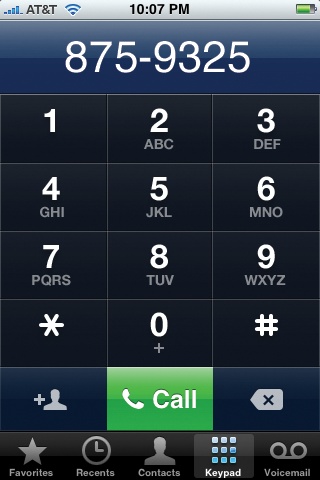
The last way to place a call is to tap the Keypad button at the bottom of the screen. The standard iPhone dialing pad appears. It's just like the number pad on a normal cellphone, except that the "keys" are much bigger and you can't feel them.
To make a call, tap out the numbers—use the  key to backspace if you make a mistake—and then tap the green Call button.
You can also use the keypad to enter a phone number into your Contacts list, thanks to the little  icon in the corner. In Adding a Contact on the Fly for details.
Get iPhone: The Missing Manual now with the O’Reilly learning platform.
O’Reilly members experience books, live events, courses curated by job role, and more from O’Reilly and nearly 200 top publishers.

