June 2015
Intermediate to advanced
216 pages
4h 48m
English
The
targetcli command is a shell to view, edit, save, and load the iSCSI target configuration. When you look at the configuration, you will see that targetcli provides a hierarchical structure in a similar way to a filesystem.
To invoke the targetcli shell, we will run this command as root using sudo. You will see that on the first run of the command, a preferences file is created. This is illustrated in the following screenshot:
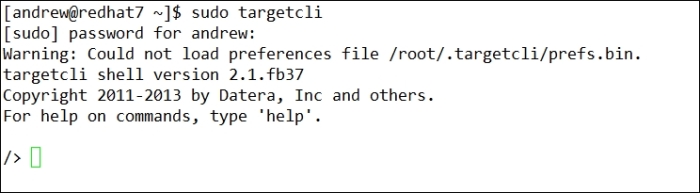
As you can see in the preceding output, you can enter help to display a list of commands that can be entered. To view the available configuration objects, we can use the ls command. ...