To create a new user in the PostgreSQL database server, perform the following steps:
- Open Command Prompt by typing cmd into the Windows Start menu search box.
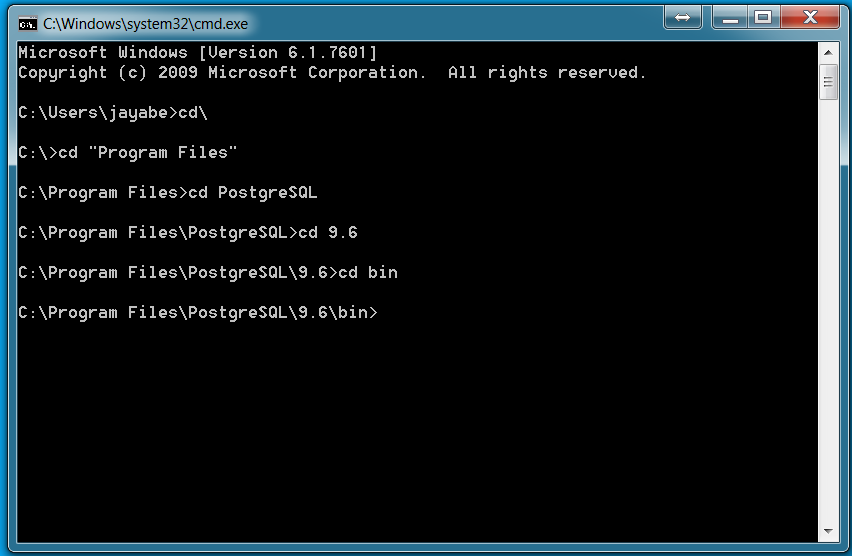
- Navigate to the installation directory where you have installed PostgreSQL. More precisely, navigate to the bin folder within the PostgreSQL installation directory, as shown in the following screenshot:
- Now, to create a new user testuser, execute the following command:
createuser.exe --createdb --username postgres --no-createrole --pwprompt testuser
- Once you enter the preceding command, it will ask you to type a new password for the testuser user. Let's say you are ...