Skip to Content
Python Programming for Arduino
book

Python Programming for Arduino

by Pratik Desai
February 2015
Intermediate to advanced
400 pages
9h 49m
English
Packt Publishing
Content preview from Python Programming for Arduino

Testing and troubleshooting

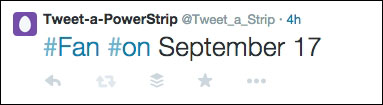
Testing can simply be performed by posting the #fan #on status to the Twitter account used in this project. You should be able to see the fan turning on by using the command shown here:
Testing and troubleshooting

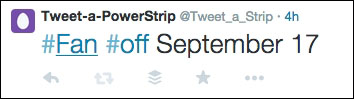
Similarly, send the #fan #off status to turn off the fan. You may find some lagging, as the loop used to retrieve the tweets is set with a delay of a minute.
Testing and troubleshooting

To access the status of the system, post the #status #get status to the account, and you will be able to see the system status automatically posted by the computation unit.

The tweet shown ...

Become an O’Reilly member and get unlimited access to this title plus top books and audiobooks from O’Reilly and nearly 200 top publishers, thousands of courses curated by job role, 150+ live events each month,
and much more.
Start your free trial

You might also like

Python Programming with Raspberry Pi

Python Programming with Raspberry Pi

Srihari Yamanoor, Sai Yamanoor

Publisher Resources

ISBN: 9781783285938Supplemental Content