How to find O’Reilly content
-
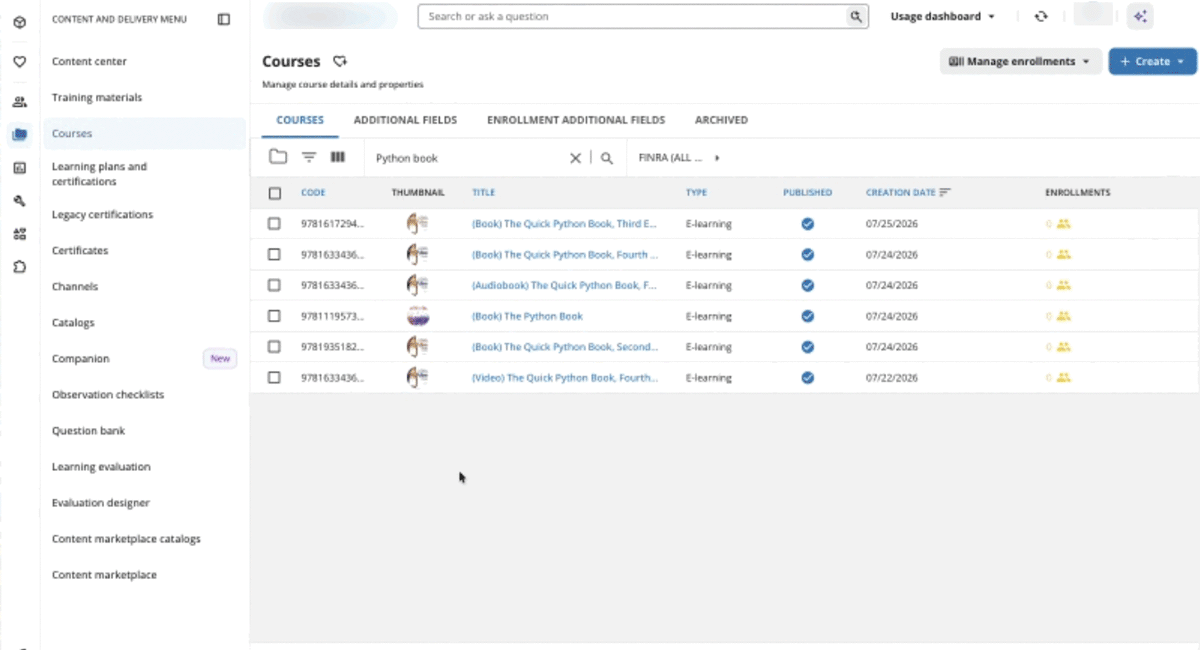
O’Reilly offers many different content formats, including books, videos, live events, and hands-on labs and sandboxes. To find what you’re looking for, simply search for the topic and the content type you’re interested in. For example, if you’d like a book about Python, just search book Python or Python book.
You can search for any of the following content types:
- Article
- Audiobook
- Case study
- Certification guide
- Cloud lab
- Conference
- Expert playlist
- Lab
- Live course
- On-demand course
- Practice test
- Sandbox
- Shortcut
- Skill plan
- Special event
- Video
-
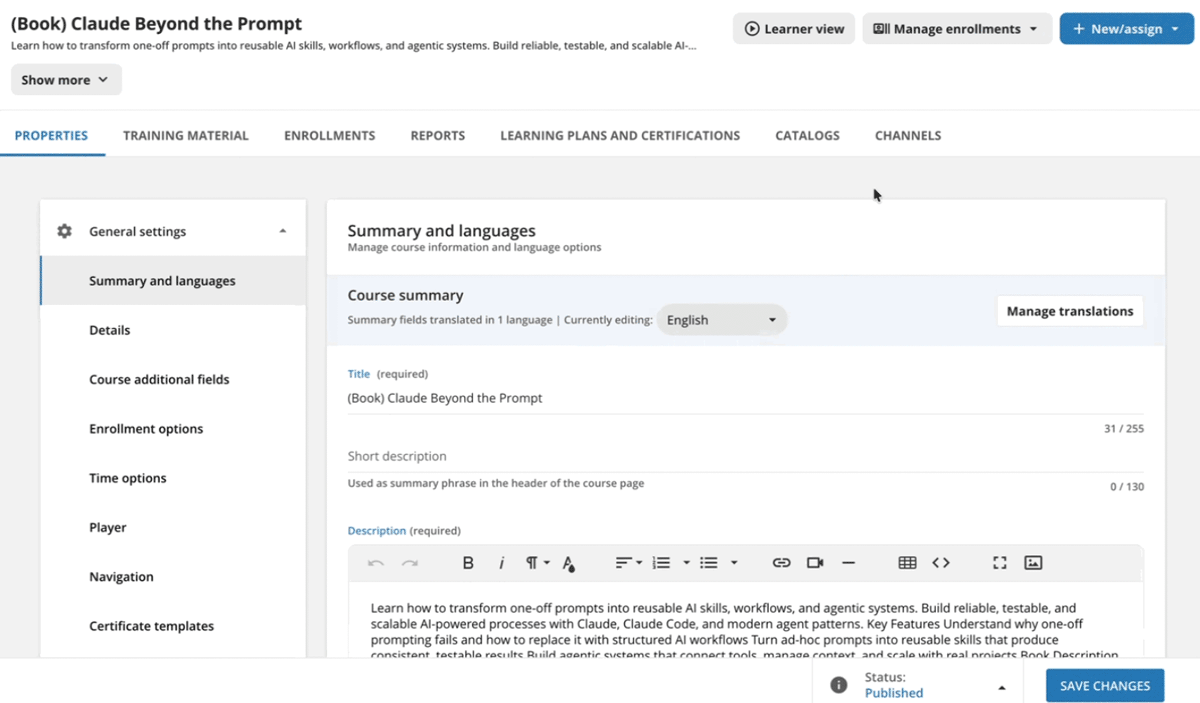
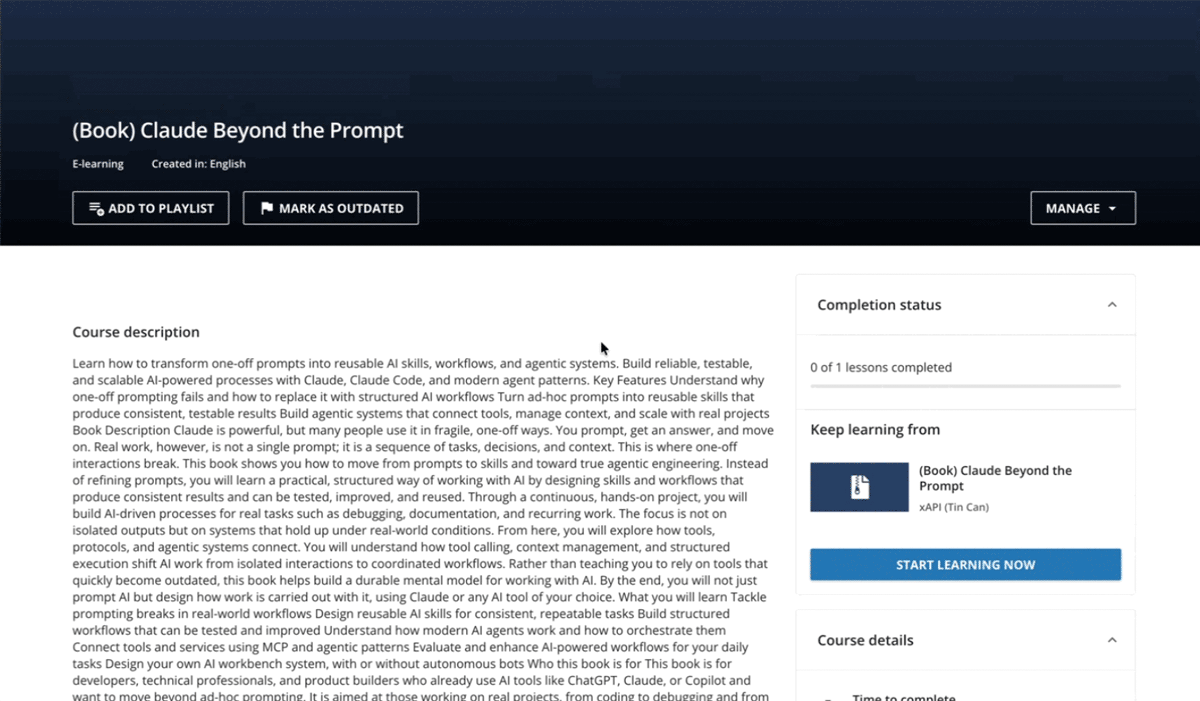
Select a piece of content and click Learner View in the top right, then Start Learning Now to get started on the O’Reilly learning platform.
How to access reporting
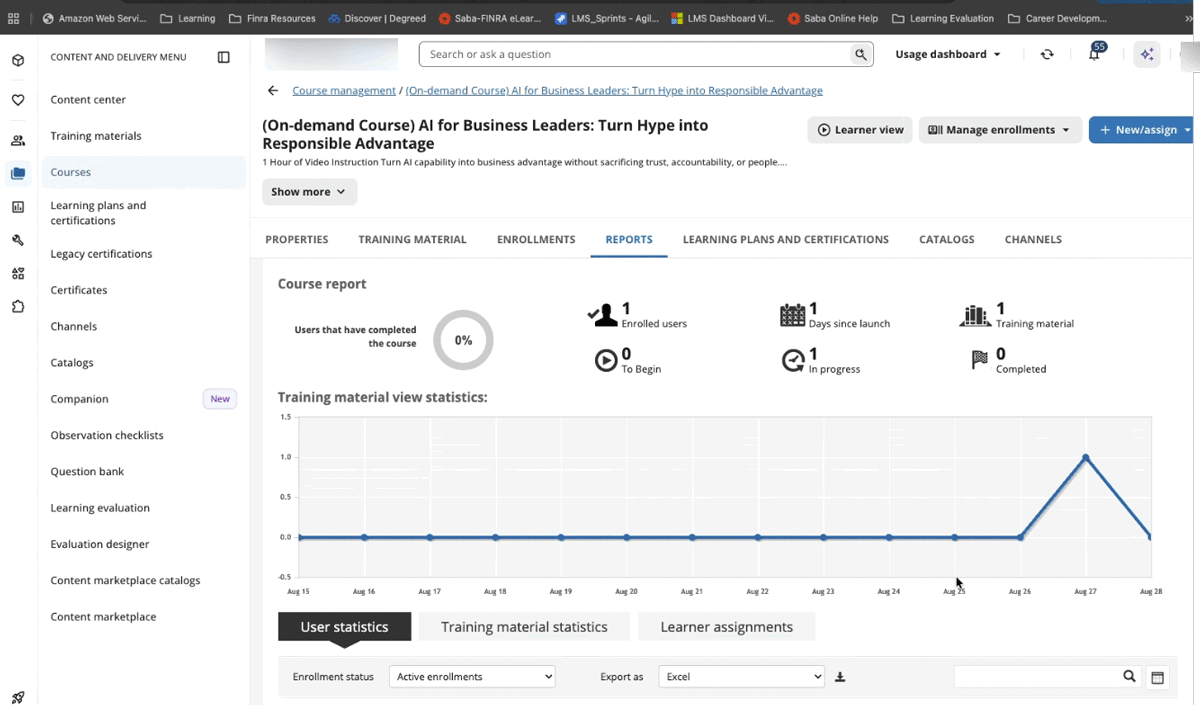
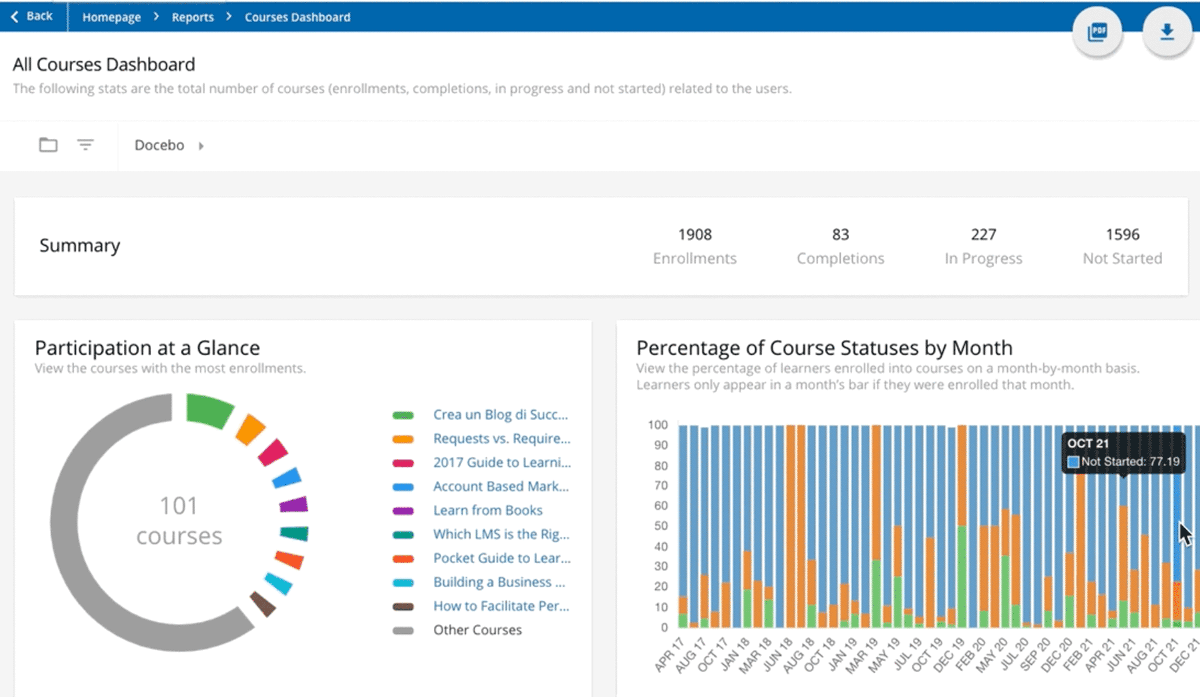
Admins can access reporting by selecting Reports > Course Dashboard to see learner enrollments, progress, completion, and more.
Learners can see their progress on a piece of content by selecting the content and clicking the Reports tab.