November 2018
Beginner
330 pages
7h 21m
English
Replace mode behaves similarly to those times you accidentally press the Insert key on your keyboard and wonder why typing erases text. When working with replace mode, the text you type is placed over existing text (as opposed to moving the existing text in insert mode). This is great when you don't want to change the character count in the original line, for example.
Enter replace mode by hitting R:

You'll see --REPLACE-- in the status line. Now, you'll be replacing text as you type:
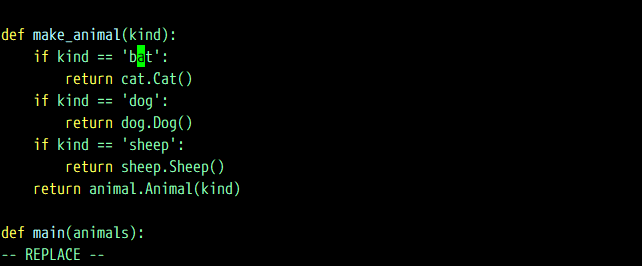
Hit Esc to exit replace ...