January 2002
Intermediate to advanced
288 pages
5h 48m
English
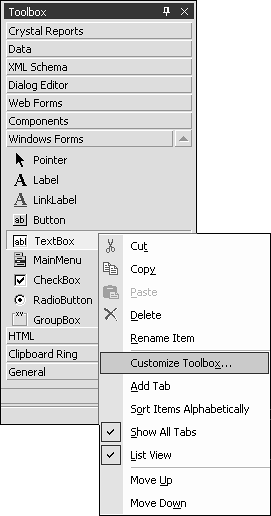
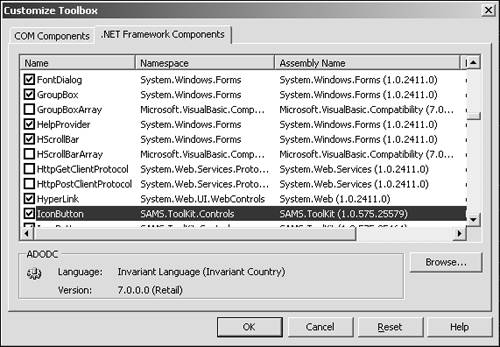
Testing the IconButton is as simple as creating a new Windows Forms project and customizing the Toolbox to display the IconButton. Create a new Windows Forms project and then right-click on the Toolbox to bring up the context menu shown in Figure 2.8, and select Customize Toolbox. This brings up the Customize Toolbox dialog, which you can use to browse for the compiled DLL created for the IconButton (see Figure 2.9).
Click OK and a Toolbox ...