July 2007
Beginner
1326 pages
34h 47m
English
In This Chapter
Understanding 3D drawings
Working with 3D coordinates
Using point filters, object snaps, and grips in 3D
Using elevation and thickness
Creating a custom UCS for 3D drawings
The topics in the previous chapters have worked with two axes, X and Y. In this chapter, I add the Z axis. When you have a drawing with 3D objects, you can view it from any angle. The view that you've been using in 2D drawings is like looking at a house from the top, which you could call a plan view or a floor plan. From this view, even a 3D drawing looks two-dimensional. But when you look at a 3D drawing from an angle, you can see that there's more to it than meets the eye. Figure 21.1 shows the plan view of an office building. Figure 21.2 shows the same drawing viewed in a perspective view from the front.
Although this drawing is quite complex, you can easily get started by working on simpler models. Three-dimensional drawing is not as difficult as it seems at first. In this chapter, I start by explaining how to work with 3D coordinates. I also cover wireframe models and 3D surfaces created with thickness and elevation. These are essentially 2D objects placed in 3D space and are therefore a good place to start when learning about drawing in 3D. Most of the features that I cover in this chapter apply to AutoCAD LT as well as AutoCAD.
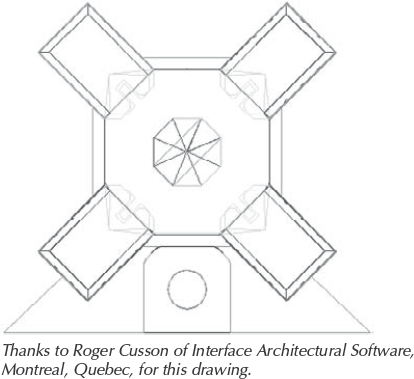
Figure 21.1. An office building ...
Read now
Unlock full access


 O’Reilly covers everything we've got, with content to help us build a world-class technology community, upgrade the capabilities and competencies of our teams, and improve overall team performance as well as their engagement.I wanted to learn C and C++, but it didn't click for me until I picked up an O'Reilly book. When I went on the O’Reilly platform, I was astonished to find all the books there, plus live events and sandboxes so you could play around with the technology.I’ve been on the O’Reilly platform for more than eight years. I use a couple of learning platforms, but I'm on O'Reilly more than anybody else. When you're there, you start learning. I'm never disappointed.I'm always learning. So when I got on to O'Reilly, I was like a kid in a candy store. There are playlists. There are answers. There's on-demand training. It's worth its weight in gold, in terms of what it allows me to do.