March 2020
Intermediate to advanced
608 pages
17h 17m
English
If you look at the Change Location form in the browser, you will see a Map shown in a fieldset, followed by the fieldset containing the address fields, as shown in the following screenshot:
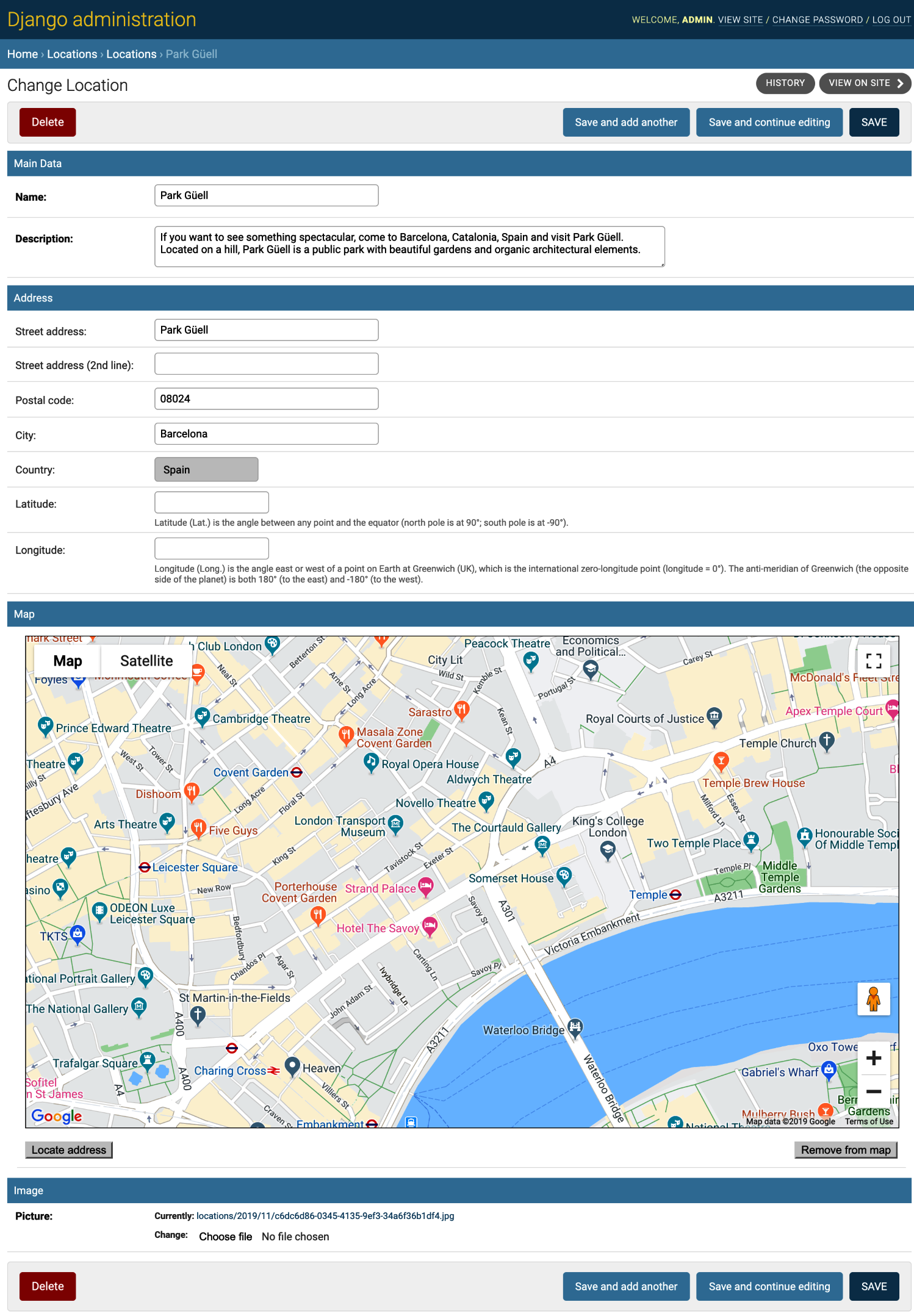
Under the map, there are two buttons: Locate address and Remove from map.
When you click on the Locate address button, the geocoding is called in order to search for the geographical coordinates of the entered address. The result of performing geocoding is one or more addresses listed in a nested dictionary format. We'll represent the addresses as a list of clickable links, as follows:
To view the structure of the nested dictionary in ...