July 2018
Beginner
564 pages
12h 22m
English
Now, we are going to log in using the username and password that we set when we installed the tool. As we can see in the following screenshot, we have a web interface for using the tool:
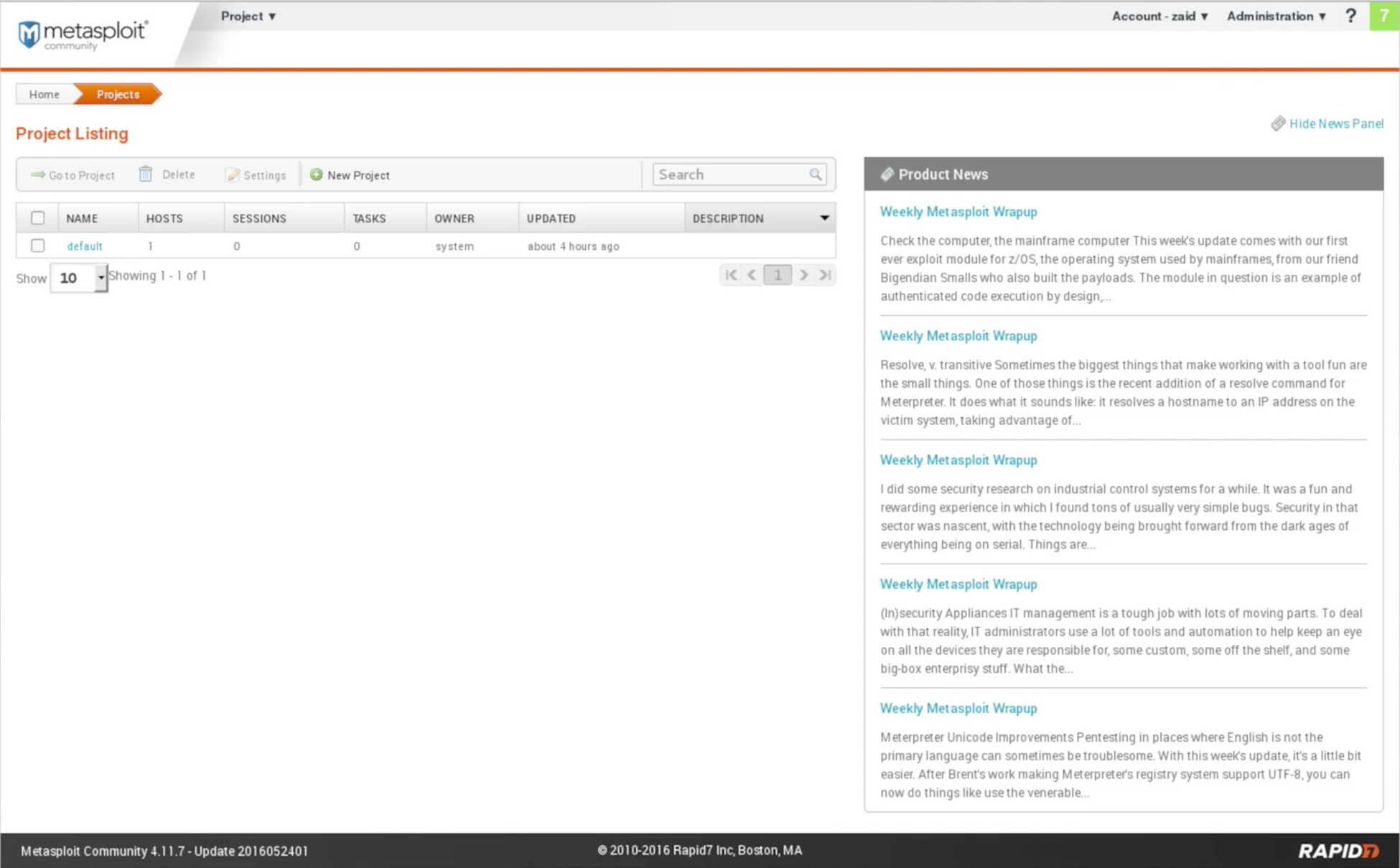
Now, we can access the account and go to our user settings or log out. We can also check for software updates.
The first time we log in, it will ask us to enter the activation key. The activation key will be sent as an email to the email address that we put when we downloaded the tool. Make sure you put a valid email address when you download the tool.
We're going to start a scan, and we are going to click on ...