March 2018
Beginner
378 pages
8h 45m
English
Although we don’t yet have any functionality in the app beyond what the template gave us, we will need some sort of model object and storage for those objects when we get around to using them. For this reason, we’ll be creating the model part of our app first. We’ll create two classes for this: our model will be called Selfie, and our manager SelfieStore. Making the model first gives us a platform on which to build up the rest of the app without having to stub out functionality when it needs the model to be working.
The first object we need to create will be a new class to represent an individual selfie in the application:
Create a new Swift file by going to File → New File.
In the iOS category, under the Source heading, select the Swift File option.
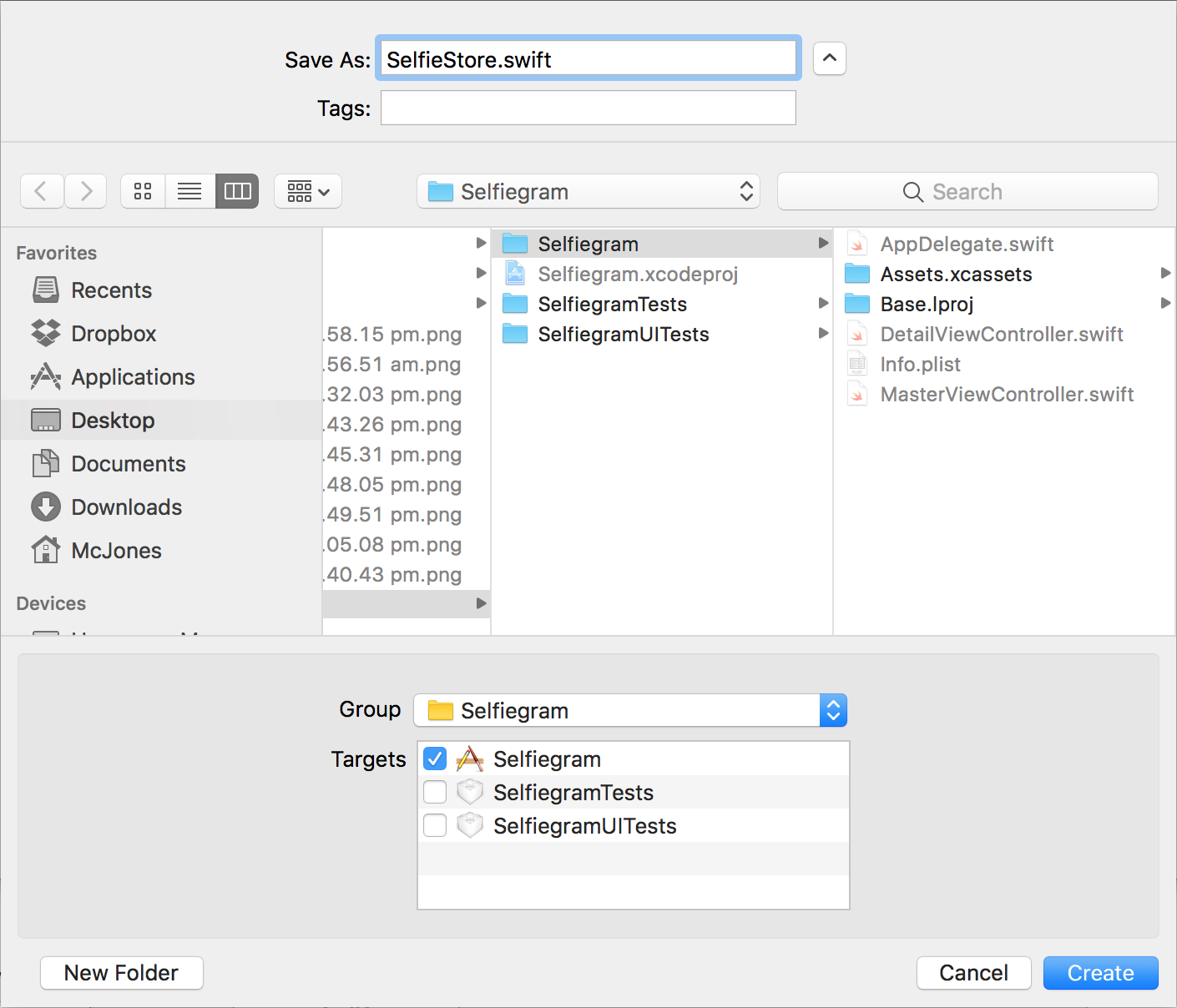
Name the file SelfieStore.swift.
Save it into the Selfiegram folder and make it target the Selfiegram target (see Figure 5-1).
Near the top of the file, underneath the import line, import the UIKit.UIImage library:
importUIKit.UIImage
We are only importing the UIImage part of UIKit because the UIKit framework is quite large, and we only need this one small piece of it.
This will give us access to the UIImage class, which will hold the image data we need for our selfies. In our case we will be using it to store JPGs, but the class itself ...
Read now
Unlock full access


 O’Reilly covers everything we've got, with content to help us build a world-class technology community, upgrade the capabilities and competencies of our teams, and improve overall team performance as well as their engagement.I wanted to learn C and C++, but it didn't click for me until I picked up an O'Reilly book. When I went on the O’Reilly platform, I was astonished to find all the books there, plus live events and sandboxes so you could play around with the technology.I’ve been on the O’Reilly platform for more than eight years. I use a couple of learning platforms, but I'm on O'Reilly more than anybody else. When you're there, you start learning. I'm never disappointed.I'm always learning. So when I got on to O'Reilly, I was like a kid in a candy store. There are playlists. There are answers. There's on-demand training. It's worth its weight in gold, in terms of what it allows me to do.