April 2020
Intermediate to advanced
400 pages
10h 12m
English
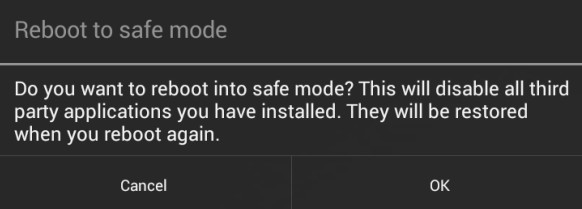
If the screen lock is a third-party app, rather than the in-built lock, it can be bypassed by booting into safe mode and disabling it. To boot into safe mode on an Android device 4.1 or later, press and hold the Power button until the Power options menu appears. Then, press and hold the Power button and you'll be prompted to reboot your Android device into safe mode. Tap the OK button, as shown in the following screenshot:
Once you're in safe mode, you can disable the third-party lock screen app or uninstall it completely. After this, reboot the device and you ...