April 2020
Intermediate to advanced
400 pages
10h 12m
English
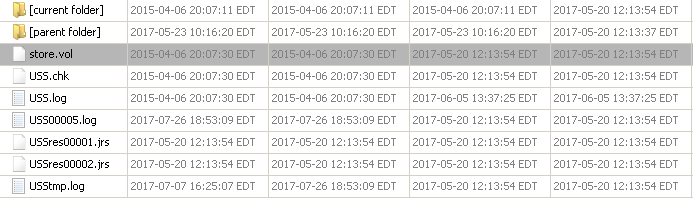
All the contacts and incoming and outgoing short messages (SMS) in Windows Phone 7–10 are stored in the file named store.vol, which is present under the \Application Data\Microsoft\Outlook\Stores\DeviceStore (Windows 7) and Users\WPCOMMSERVICES\APPDATA\Local\Unistore (Windows 8-10) directories. An example of a Windows 10 store.vol file can be seen in the following screenshot:
Now, let's learn how to extract the call history.