December 2017
Intermediate to advanced
272 pages
6h 45m
English
Before trying to fly this thing, we need to make sure that every motor is hooked up to the right spot and is turning in the right direction. Remember our chart from before? Here's just the Hex-X from it as well as the Pixhawk with the six-motor servo ports highlighted:

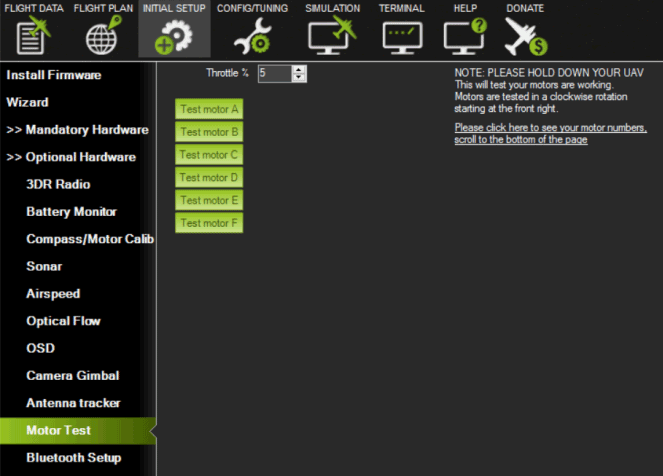
Back in Mission Planner (while connected to your powered-on drone), go into Initial Setup, and under the Option Hardware section you'll find Motor Test. It looks like the following screenshot:
And here's the weird part. This test does not ...