August 2018
Beginner
462 pages
12h 36m
English
To disassociate a floating IP from an instance in the dashboard, click the menu under the Actions column that corresponds to the instance and select Disassociate Floating IP:

A message will appear that warns you of the pending action:
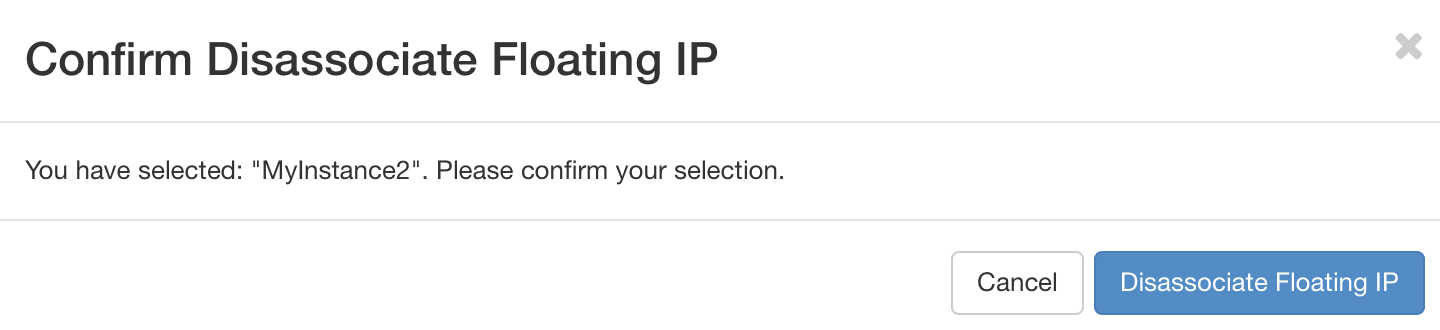
Click the blue Disassociate Floating IP button to proceed with the action.
Read now
Unlock full access