December 2017
Intermediate to advanced
296 pages
5h 56m
English
Now that the camera is set up and powered, let's test it. Open a new terminal and cd on the desktop. Then run the following:
raspistill -o test.jpg
This will take a screenshot in the present working directory, Desktop. The screen will look something like the following:
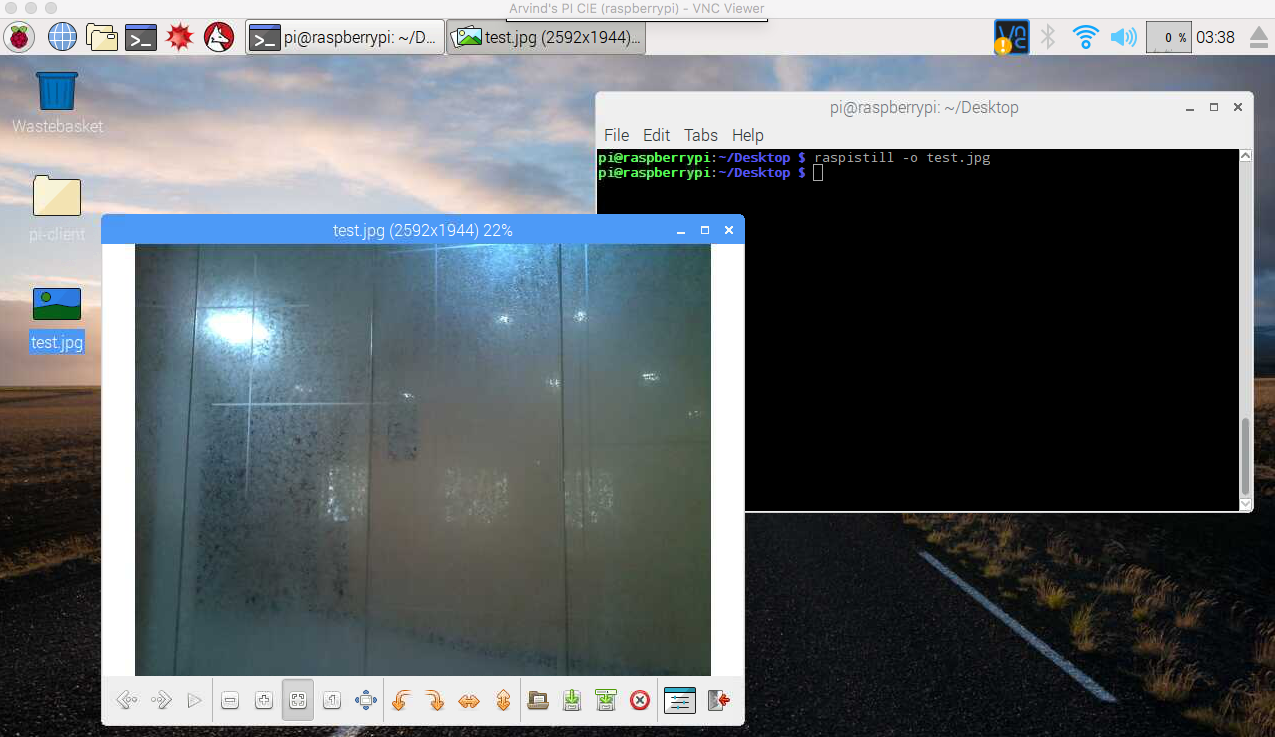
As you can see, test.jpg is created on the Desktop and when I double-click it shows a picture of the glass wall of my office.