May 2017
Intermediate to advanced
518 pages
10h 6m
English
Microsoft Azure Storage Explorer is one of the free available graphical tools for managing Azure Storage without the portal or PowerShell.
Storage Explorer is still in preview and could have some bugs in some places. To start working with Azure Storage Explorer, it needs to be downloaded first. The current download link is http://storageexplorer.com/.
After downloading and installing, the following screen shows up:
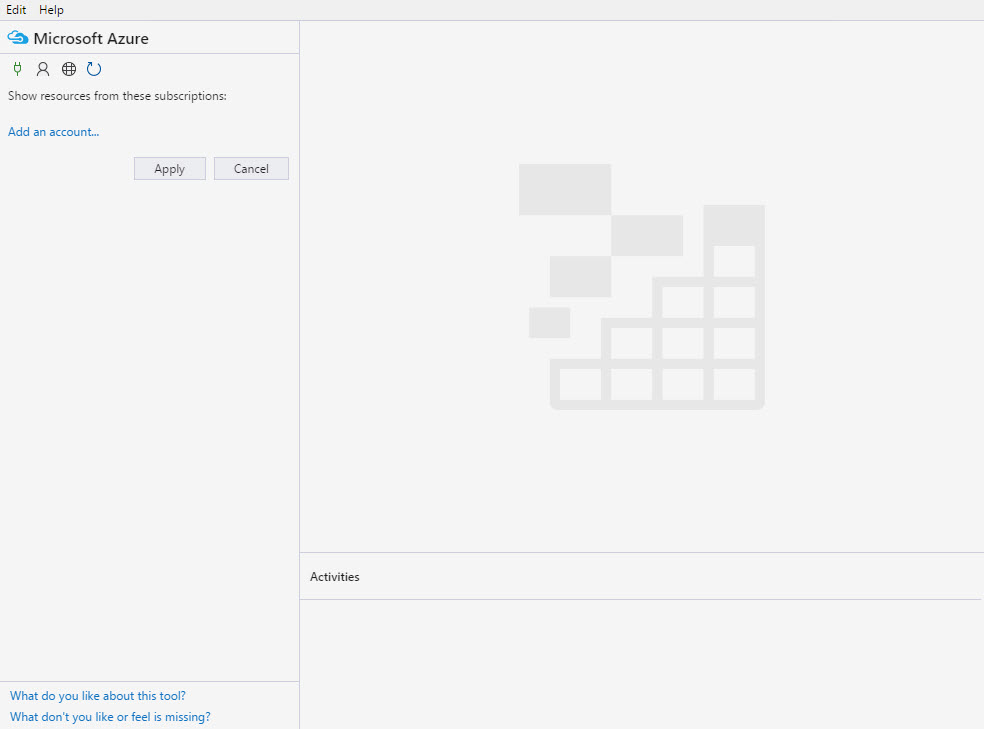
First, a Storage account needs to be connected. There are two possibilities how one can connect to a Storage account: