September 2020
Beginner
442 pages
9h 54m
English
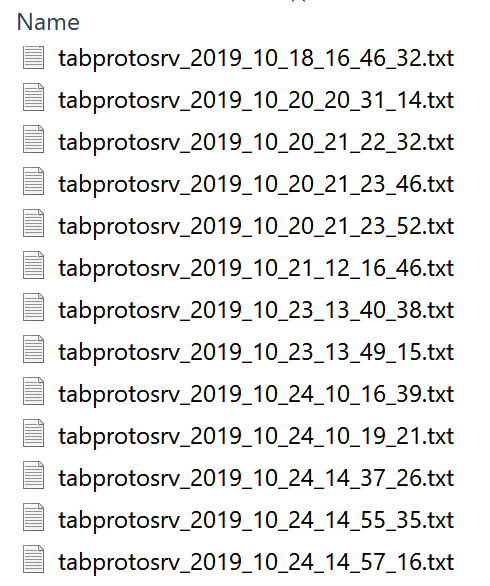
One of the first steps you will take in any data preparation, visualization, or analytics project is to input data. In this chapter, you will learn how and why you should connect data files to Prep Builder, where to find those files, and what challenges data files may pose for preparing data. Data can come in many different forms, but the most common input for Prep Builder is Excel, CSV, or plain-text files (Figure 5-1).
For many of us, our first experiences of working with data involved a piece of ubiquitous software: Microsoft Excel. The spreadsheet has become the jack-of-all-trades for data storage, manipulation, and basic reporting. Every organization across the world has tens, if not hundreds, of spreadsheets saved on every computer. All of them contain useful information, raw data, or reference tables that can help answer the questions organizations are posing.
However, spreadsheets raise some potential issues (some of which are not unique to spreadsheets) when it comes to data preparation and analysis:
Read now
Unlock full access


 O’Reilly covers everything we've got, with content to help us build a world-class technology community, upgrade the capabilities and competencies of our teams, and improve overall team performance as well as their engagement.I wanted to learn C and C++, but it didn't click for me until I picked up an O'Reilly book. When I went on the O’Reilly platform, I was astonished to find all the books there, plus live events and sandboxes so you could play around with the technology.I’ve been on the O’Reilly platform for more than eight years. I use a couple of learning platforms, but I'm on O'Reilly more than anybody else. When you're there, you start learning. I'm never disappointed.I'm always learning. So when I got on to O'Reilly, I was like a kid in a candy store. There are playlists. There are answers. There's on-demand training. It's worth its weight in gold, in terms of what it allows me to do.