2017.6. Adjusting Audio Playback
7.6.3 Cue Properties
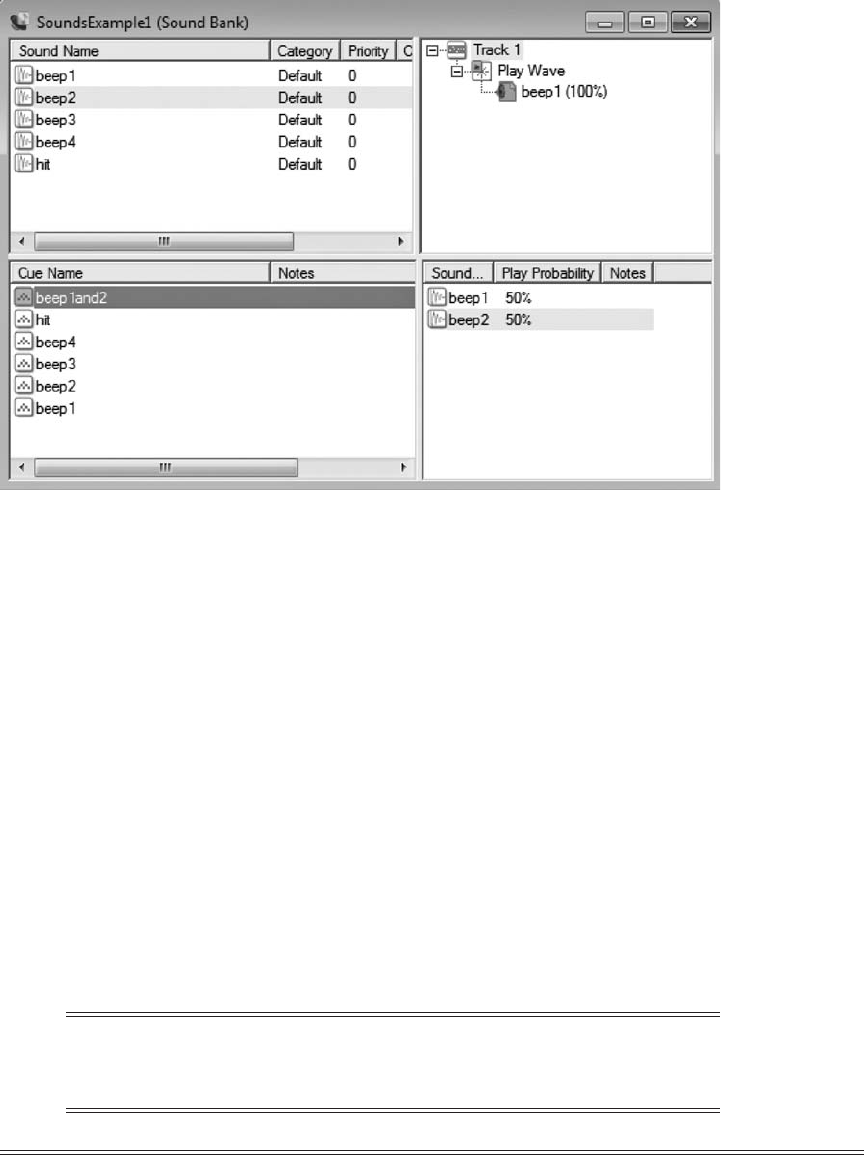
We can adjust a cue’s properties to control how its associated sounds are played. e proper-
ties of a selected cue are displayed in the lower-le window of the XACT GUI tool. e cue
properties from Figure 7.11 are:
• Name. e name of the cue.
• Notes. Designer notes.
• Playlist type. How the sounds are played: ordered, ordered from random, random,
random (no immediate repeats), shue, interactive.
• Variations. e sliders may be used to adjust the probability that a sound may be
played.
• Limit instances. Limit the number of instances of this sound that can be played at
the same time.
Limit ...