December 1997
Beginner
213 pages
4h 24m
English
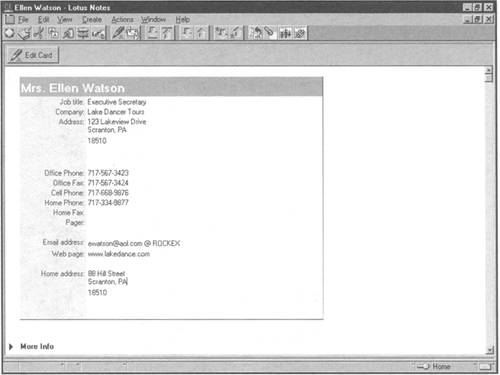
The information you store about a person— email address, company, and so on—appears in a Business Card document, such as the one shown in Figure 9.3.
To create a Business Card document for a new person, follow these steps:
Double-click your Personal Address Book icon on the workspace.
Click the Business Cards view in the Navigator pane.
Click the Add Card button on the Action bar or choose Create, Business Card from the menu. The Business Card form appears (refer to Figure 9.3).
Complete each field in the Business Card form by clicking within the square brackets and typing the appropriate ...