December 1997
Beginner
213 pages
4h 24m
English
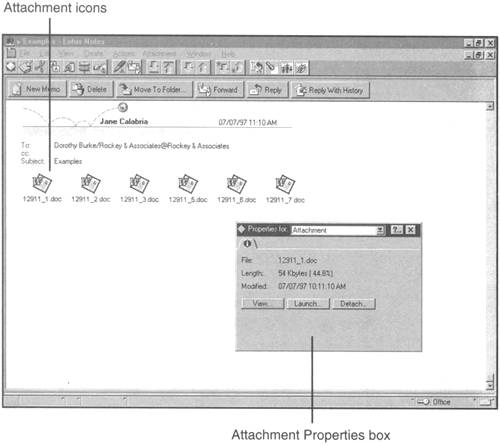
When you receive an attached file, you can view the file to see what it is, even if you don't have the application that runs it. Open the mail message, double-click the attachment icon, and click the View button in the Properties box (see Figure 17.3). Be aware that when you view the file this way, the files you see are unformatted; they're straight text only. After you finish looking at the file, press Esc to leave the view.
Note
Can't View an Attachment? This problem is due to one of three things: The Attachment Viewer wasn't installed on your computer during the installation ...