Perform the following steps:
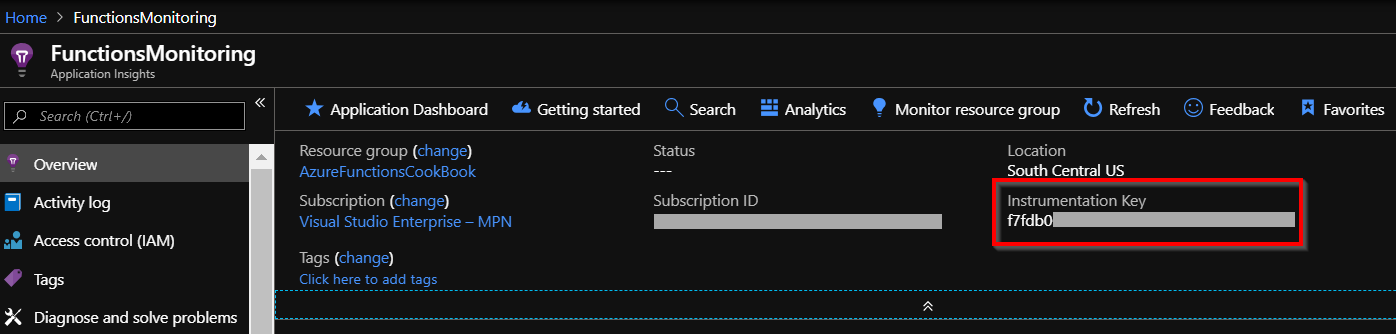
- Once you have created your Application Insights account, navigate to the Overview tab and go to Instrumentation Key, as shown in the following screenshot:
- Navigate to Function apps, for which you would like to enable monitoring, and go to Application settings.
- Add a new key with the name APPINSIGHTS_INSTRUMENTATIONKEY and provide the instrumentation key that you copied from the Application Insights account, as shown in the following screenshot, and, then click on Save to save your changes:
- That's it; you can start utilizing all the features of Application Insights to monitor the performance ...