Perform the following steps:
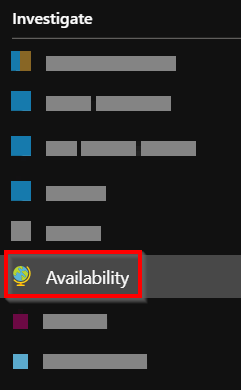
- Navigate to the Availability blade and click on the Add test button, as shown in the following screenshot:
- In the Create test blade, enter a meaningful name for your requirement and paste the function app URL, which you noted down in step 2 of the preceding Getting ready section, in the URL field of the Create test blade. In the Alerts blade, provide a valid email address in the Send alert emails to these email addresses: field, to which an alert should be sent if the function is not available or not responding:
- Click on OK in the Alerts blade and then click on the Create button of the Create ...