Perform the following steps:
- Create a new unit testing project by right-clicking on the solution and then clicking on Add New Project. In the Add New Project window, choose Test in the list of Project Type and choose xUnit Test Project(.NET Core) in the list of projects, as shown here:
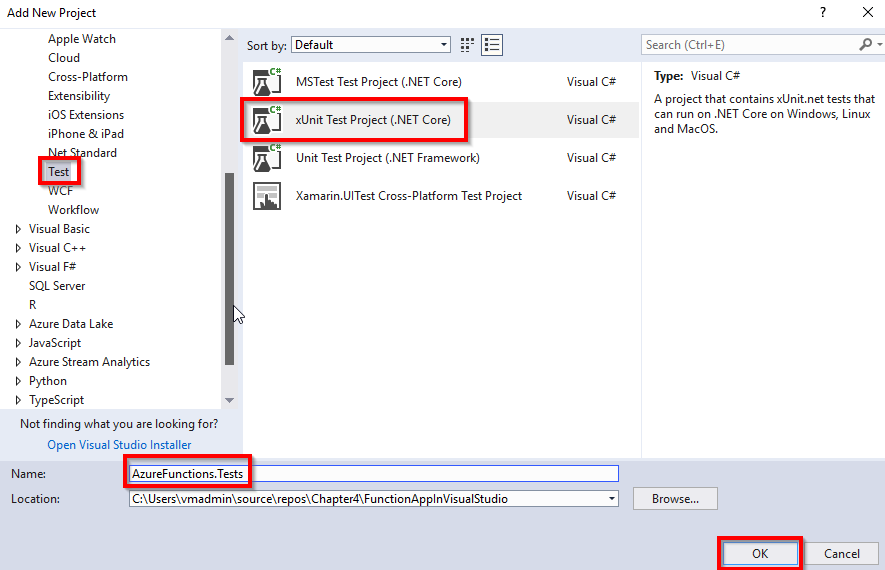
- Ensure that you have chosen xUnit Test Project(.NET Core) in the Package Manager console and run the following commands:
- Install the Moq NuGet package using the Install-Package Moq command.
- Install the ASP.NET Core package using the Install-Package Microsoft.AspNetCore command.
- In the unit test project, we also need the reference to ...