November 2018
Intermediate to advanced
424 pages
10h 55m
English
If you are configuring continuous deployment for the first time, you might see a button named Authorize in the Azure App Service deployment step. Clicking on the Authorize button will open a pop-up window where you will be prompted to provide your Azure Management portal credentials.
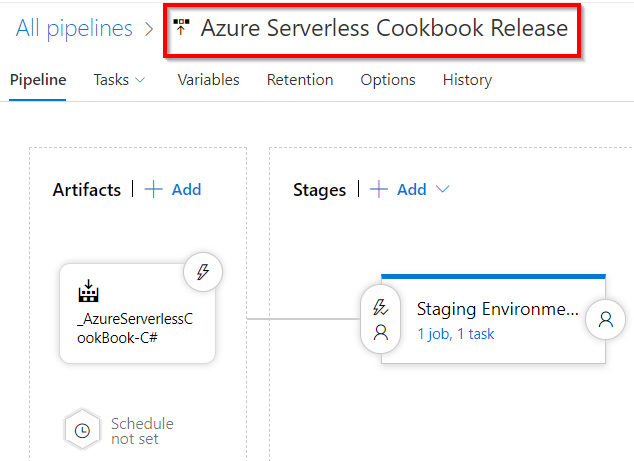
You can rename the release pipeline by clicking on the name at the top, as shown here:
Currently, there is a template specific to Azure Functions, shown next. However, it looks like it's not working. By the time you read this book, you should probably give it a try: