February 2013
Beginner to intermediate
576 pages
21h 30m
English
You can select one or more columns or rows in a worksheet in order to apply formatting attributes, insert or delete columns or rows, or perform other group actions. The header buttons above each column and to the left of each row indicate the letter or number of the column or row. You can select multiple columns or rows even if they are non-contiguous—that is, not next to one another in the worksheet.
 Click the column or row header button of the column or row you want to select.
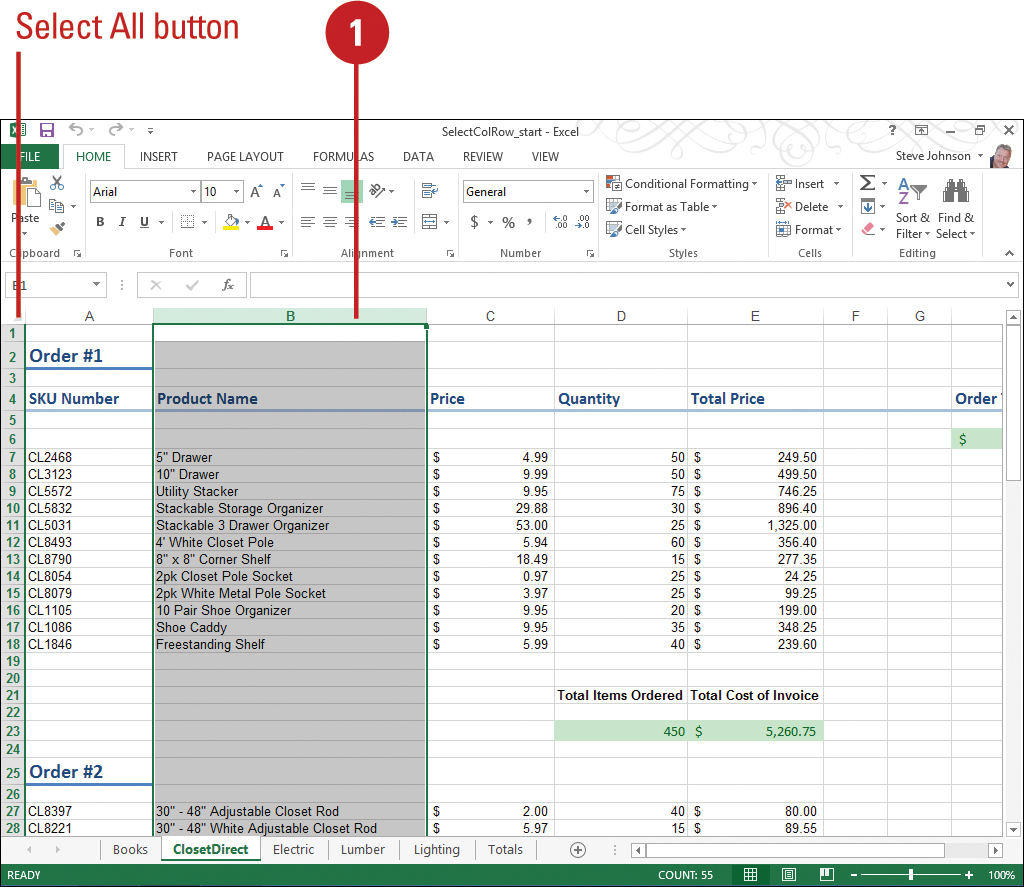
An arrow appears ...