You can see the left Panel when we launch Gazebo. There are three main tabs in the Left Panel:
- World: The World tab contains a list of models in the current Gazebo Scene. Here, we can modify model parameters, such as the pose, and can also change the camera's pose.
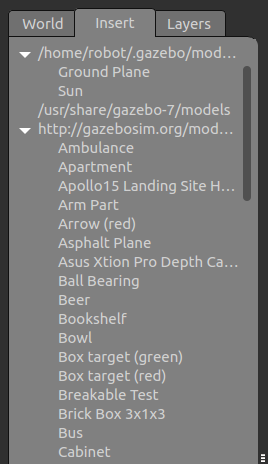
- Insert: The Insert tab allows you to add a new simulation model to the Scene. The models are available in the local system, as well as the remote server. The /home/<user_name>/.gazebo/model folder will keep the local model files and models in the remote server in http://gazebosim.org/models, as shown in the following screenshot:
The Insert tab in the left panel ...