June 2018
Beginner to intermediate
280 pages
6h 58m
English
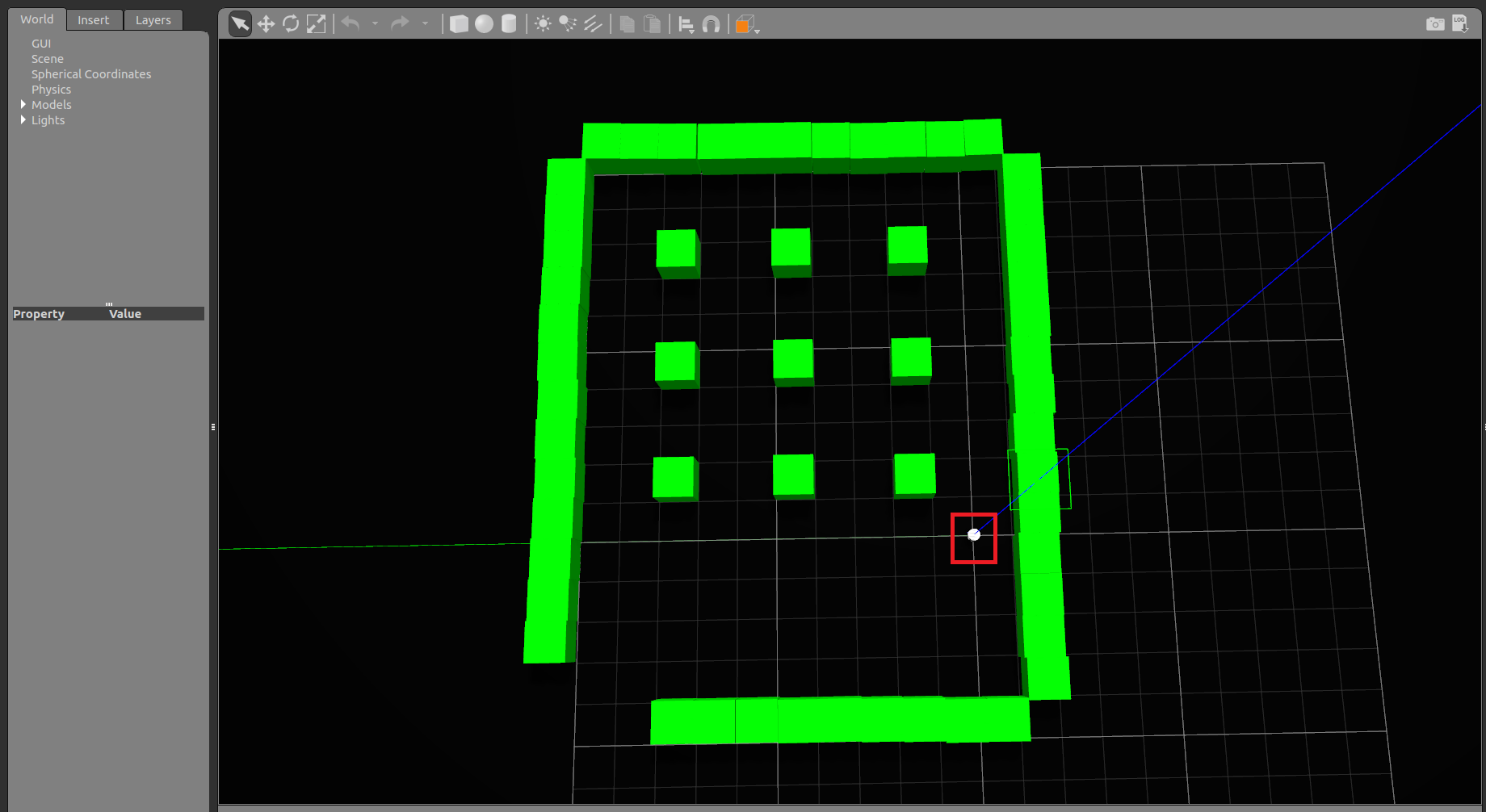
In this section, we learn how to visualize the sensor data from the simulated robot. In the chefbot_gazebo package, there are launch files to start the robot in an empty world or in a hotel-like environment. The custom environment can be built using Gazebo itself. Just create the environment using primitive meshes and save as a *. world file, which can be the input of the gazebo_ros node in the launch file. For starting the hotel environment in Gazebo, you can use the following command:
$ roslaunch chefbot_gazebo chefbot_hotel_world.launch
The nine cubes inside ...