Customizing the Toolbox
Like its predecessors, Visual Studio 2015 lets you customize the toolbox by adding controls that are not listed by default and are included in the .NET Framework or come from third-party assemblies. To customize the toolbox, select Tools, Choose toolbox items or right-click the Toolbox and select Choose Items. This launches the Choose toolbox items dialog box, which is represented in Figure 52.21.
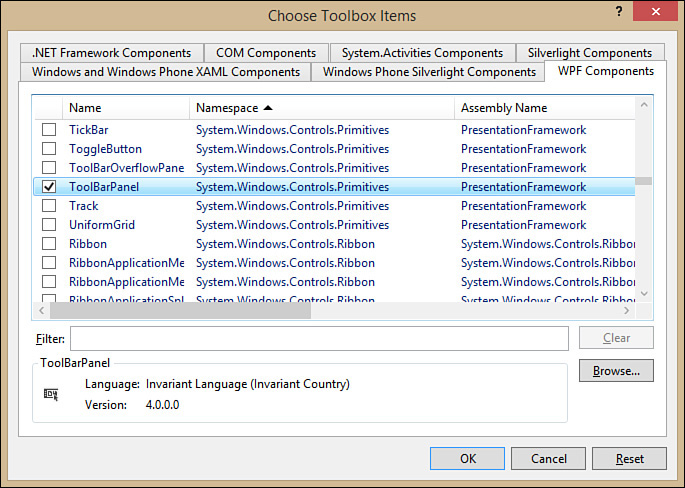
FIGURE 52.21 Choosing additional items for the toolbox.
There are some improvements in Visual Studio 2015; now there is a tab called Windows and Windows Phone XAML Components that contains controls for Universal Windows Apps. ...
Get Visual Basic 2015 Unleashed now with the O’Reilly learning platform.
O’Reilly members experience books, live events, courses curated by job role, and more from O’Reilly and nearly 200 top publishers.

