February 2018
Beginner
580 pages
13h 20m
English
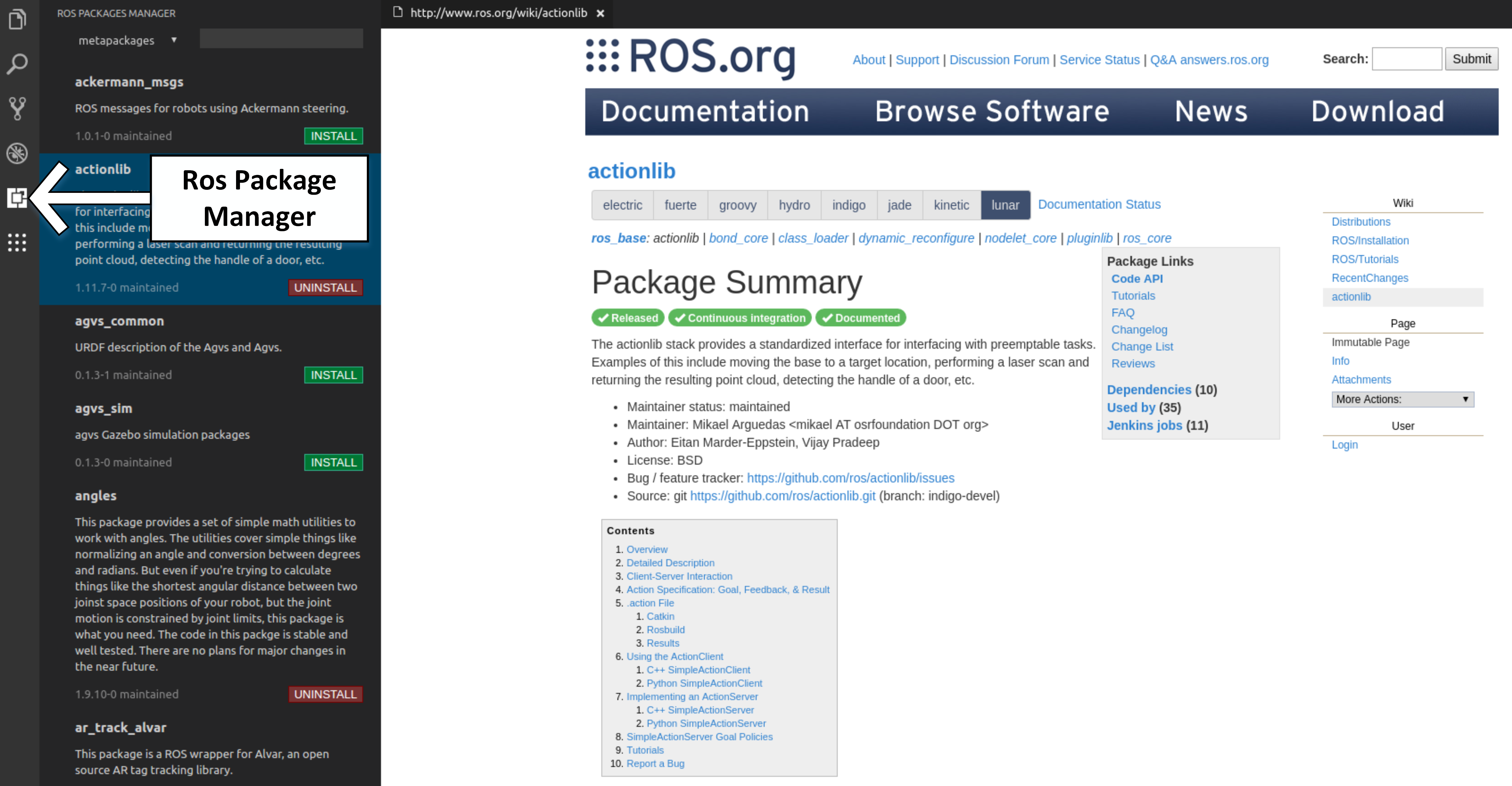
From the RoboWare Studio interface, we can install or explore the available ROS packages via the ROS package manager panel. To access this panel, click on the ROS Packages Manager icon in the left-hand side bar. RoboWare will automatically detect the ROS distribution in use and the list of the package already installed in the ROS package path.
From this panel, we can navigate through the packages available in the ROS repository, choosing between packages and meta-packages. You can click the package name to view its wiki page directly in RoboWare Studio, and install or uninstall the desired package: