February 2006
Intermediate to advanced
826 pages
63h 42m
English
The caption element must
immediately follow the opening table tag and precede all other table
elements, as shown in this example and Figure 13-6.
    <table>
    <caption>Planetary Distances</caption>
    <tr><th>Planet</th><th>Distance from Earth</th></tr>
    <tr><td>Venus</td><td>pretty darn far</td></tr>
    <tr><td>Neptune</td><td>ridiculously far</td></tr>
    </table>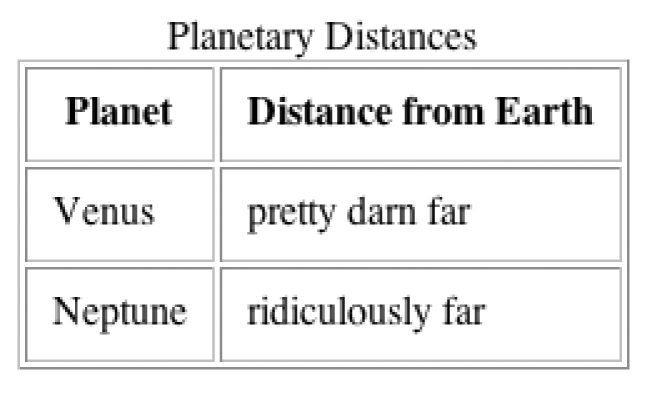
Figure 13-6. A table with a caption
By default, the caption appears at the top of the table. Its
width is determined by the width of the table. You can use the
caption-side style property to
move the caption below the table. There is also a deprecated
align attribute that does the
same thing. The left and right values are not well supported, so
authors generally have the option of putting the caption above or
below the table.
Captions are a useful tool for table accessibility and will be addressed again briefly in the "Accessible Tables" section later in this chapter.