February 2006
Intermediate to advanced
826 pages
63h 42m
English
These examples demonstrate three alternative methods for specifying the same amount of line spacing. If the font size is 10 pixels, the resulting line height for each of the examples listed would be 20 pixels. Figure 18-11 shows the results (bottom) compared to a paragraph with the default line height (top).
    p.open {line-height: 2; }     /* uses a scaling factor */
    p.open {line-height: 2em; }   /* unit of length */
    p.open {line-height: 200%; }  /* percentage */
The default value is normal,
which most browsers display at 120% of the font size. When a number is
specified alone (as in the first example), it acts as a scaling factor
that is multiplied by the current font size to calculate the line-height value. Line heights can also be
specified using any of the length units. Relative values (em, ex, and
%) are calculated by the font size of
the element. Negative values are allowable and will cause the lines of
text to overlap.
It is important to note that child elements inherit the computed line height value from their parent element, not the specified value. For example, the line height for
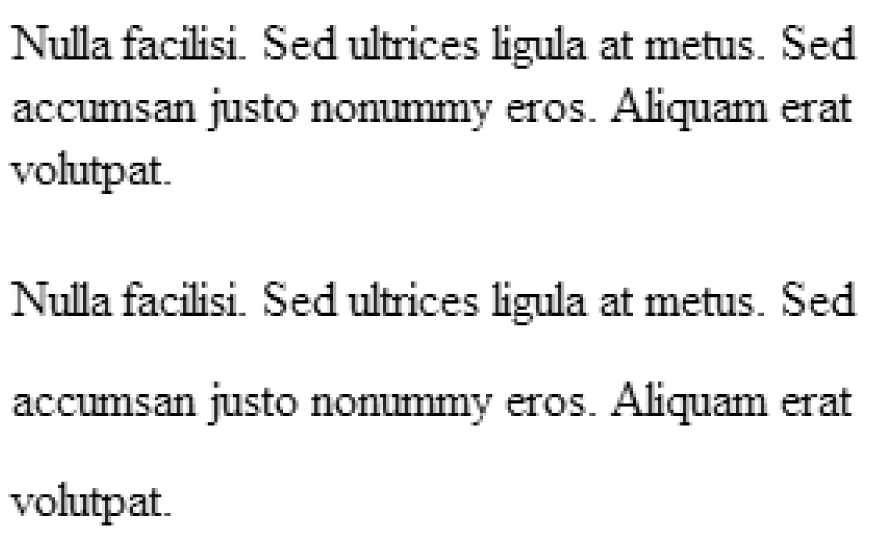
Figure 18-11. The line-height property
a div with a font size of 12
and a line height of 1 em calculates to 12 pixels. A paragraph element
that is the child of that div will inherit the 12-pixel line height, not the relative 1 em value. If that paragraph happens to have a font size larger than 12 pixels, the ...