Skip to Content
UX Design for Mobile
book

UX Design for Mobile

by Pau Giner, Pablo Perea
July 2017
Intermediate to advanced
354 pages
9h 58m
English
Packt Publishing
Content preview from UX Design for Mobile

Back button

The back button allows the user to return to the previous screen, in the same way that a breadcrumb can store the path traveled by the user in desktop. This button is used both in complex processes with several steps, and when a user visits a detail of any item found in a previous screen:
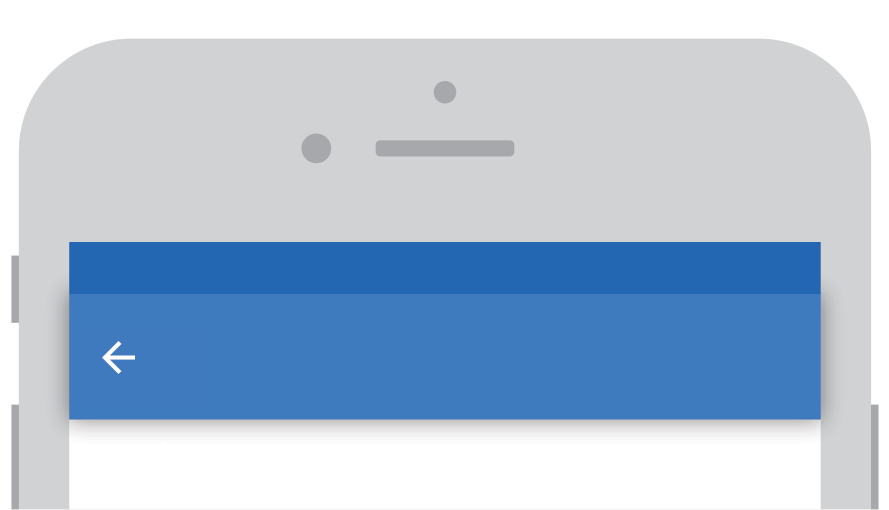
The back button should be located in the top-left corner

The backward-facing function is usually placed on the top-left, in the same way that it is usually placed in desktop browsers. For languages written from right to left, such as Arabic or Hebrew, the arrow will be placed and pointing to the right-hand side. Both Android and iOS have icons ...

Become an O’Reilly member and get unlimited access to this title plus top books and audiobooks from O’Reilly and nearly 200 top publishers, thousands of courses curated by job role, 150+ live events each month,
and much more.
Start your free trial

You might also like

Practical UX Design

Practical UX Design

Scott Faranello
Designing UX: Forms

Designing UX: Forms

Jessica Enders
User Experience Design

User Experience Design

Satyam Kantamneni

Publisher Resources

ISBN: 9781787283428Supplemental Content