June 2018
Intermediate to advanced
392 pages
8h 57m
English
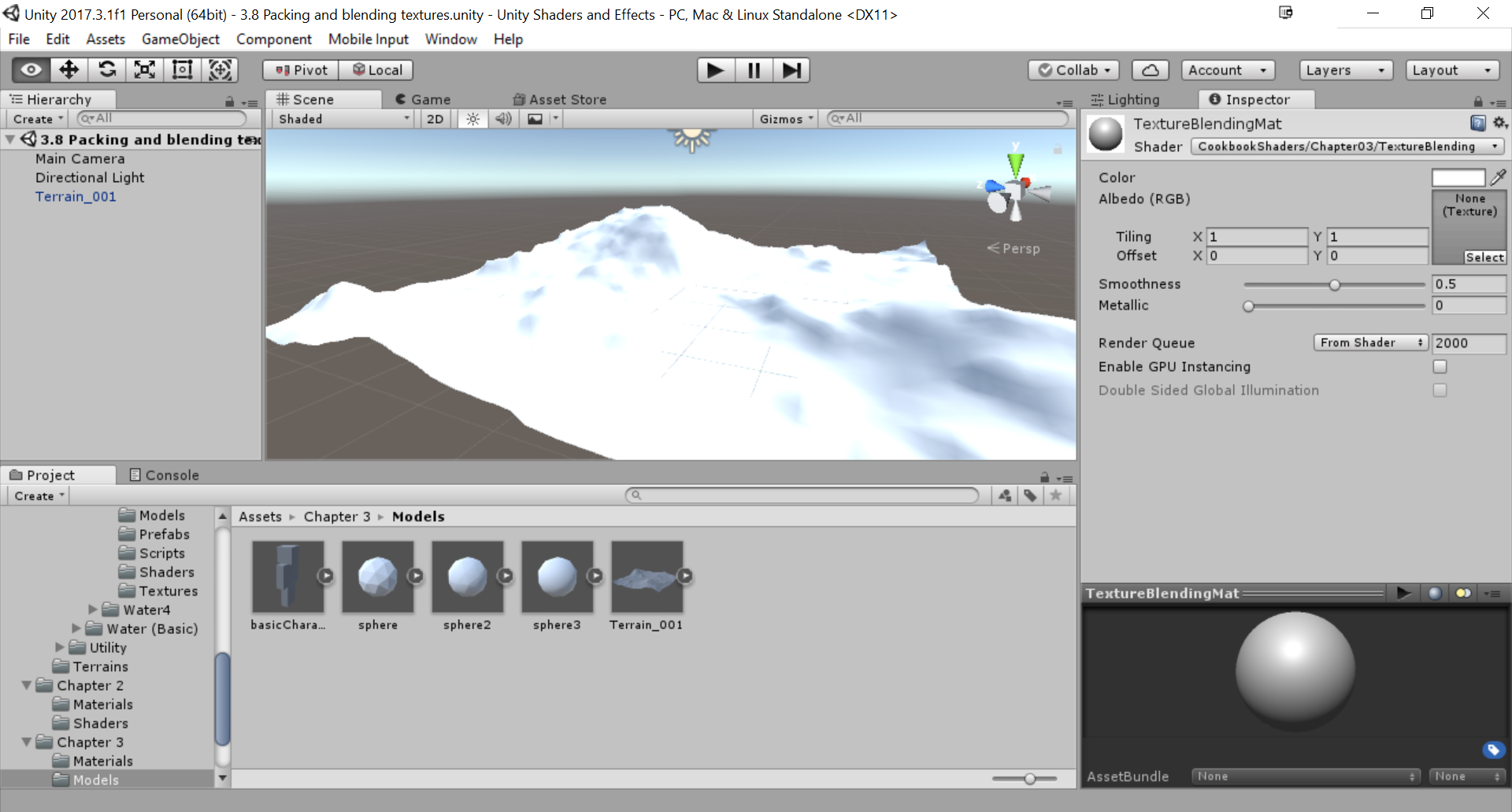
Let's create a new shader file in your Shaders folder (TextureBlending) and then create a new material for this shader (TextureBlendingMat). The naming convention is entirely up to you for your shader and material files, so try your best to keep them organized, and easy to reference later on.
Once you have your shader and material ready, create a new scene in which we can test our shader. Inside to the scene, place the Terrain_001 object from the Chapter 3 | Models folder and assign the TextureBlendingMat material to it:
You will also need to gather up four textures that you would want to blend together. These can be anything, ...