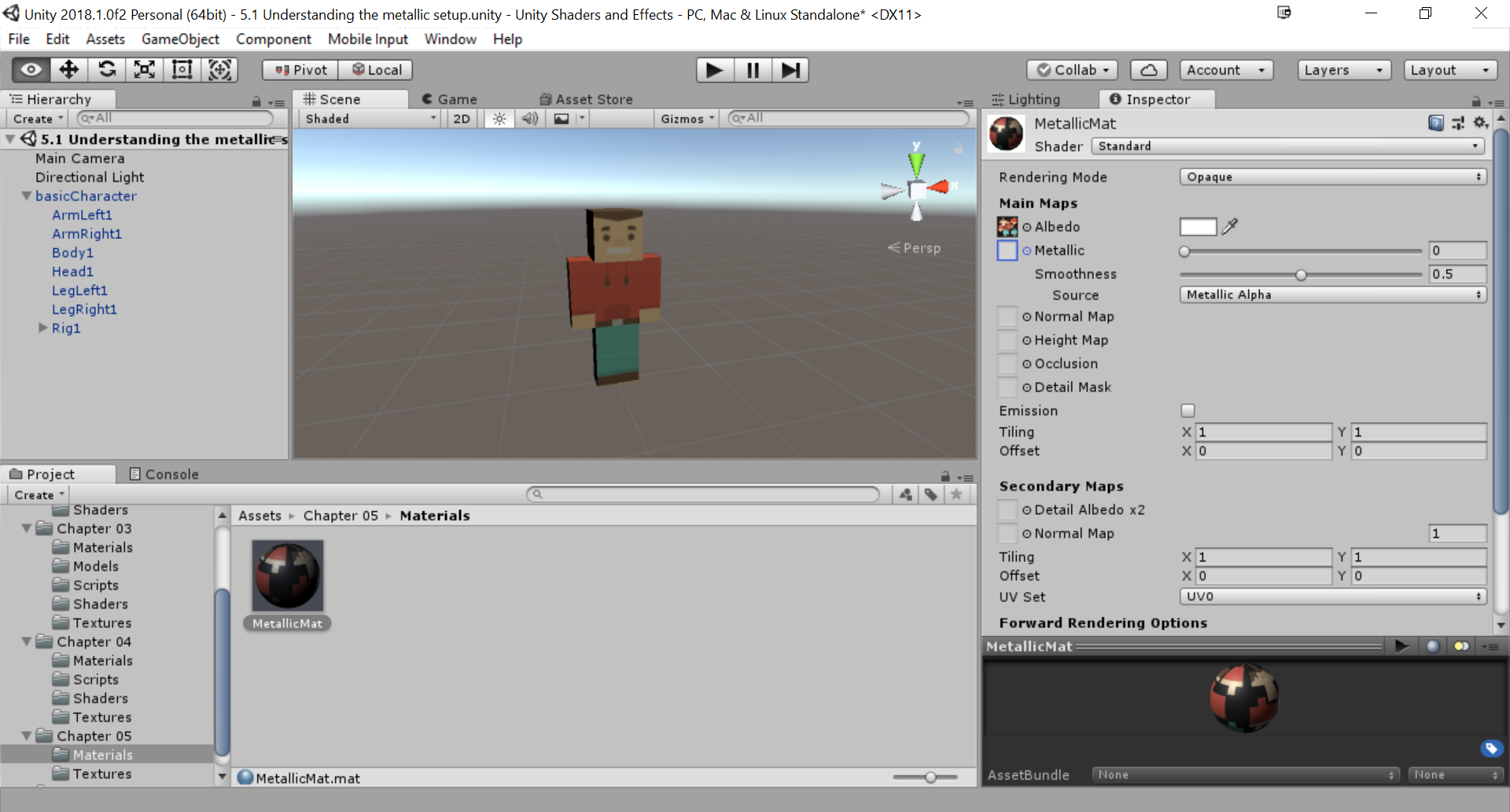
This recipe will use the Standard Shader, so there is no need to create a new one. The steps to start the recipe are as follows:
- Create a new material (MetallicMat).
- From its Inspector, make sure that Standard is selected from its Shader drop-down menu.
- You will also need a textured 3D model. Our basic character we've been using previously will work perfectly. Drag and drop it into the scene. Afterward, drag and drop the MetallicMat material onto each of the parts of the character. Also, assign the texture for the material to the Albedo property: