To drive the robot, follow these steps:
- Close the help window and select the DRIVE item on the main page.
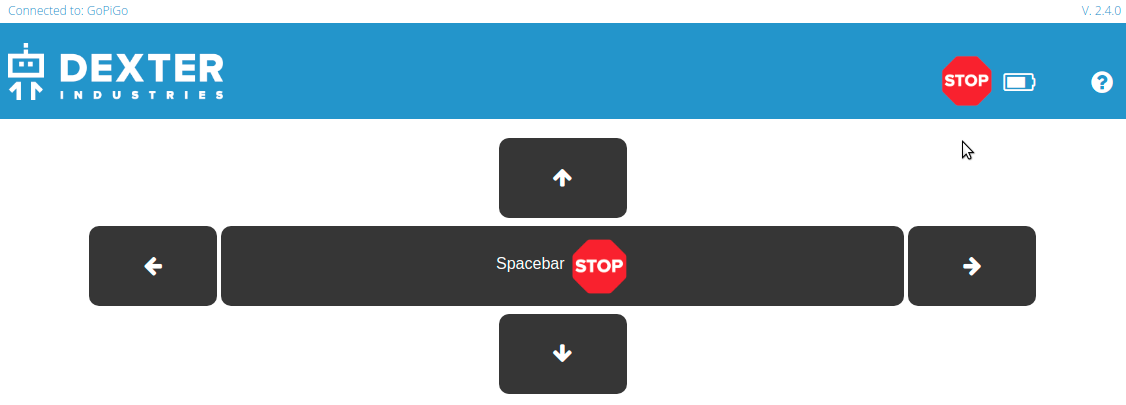
- By clicking this button, you gain access to a panel where there are controls to move the robot forward/backward and rotate it right/left. Go ahead and check that GoPiGo3 moves as expected.
- Whenever you need to stop the motion, press the spacebar of the keyboard:
Next, we will check the sensors.