June 2018
Intermediate to advanced
484 pages
11h 36m
English
Once the virtual machine starts and is configured properly, we should see another window on the host system, as seen in the following screenshot:
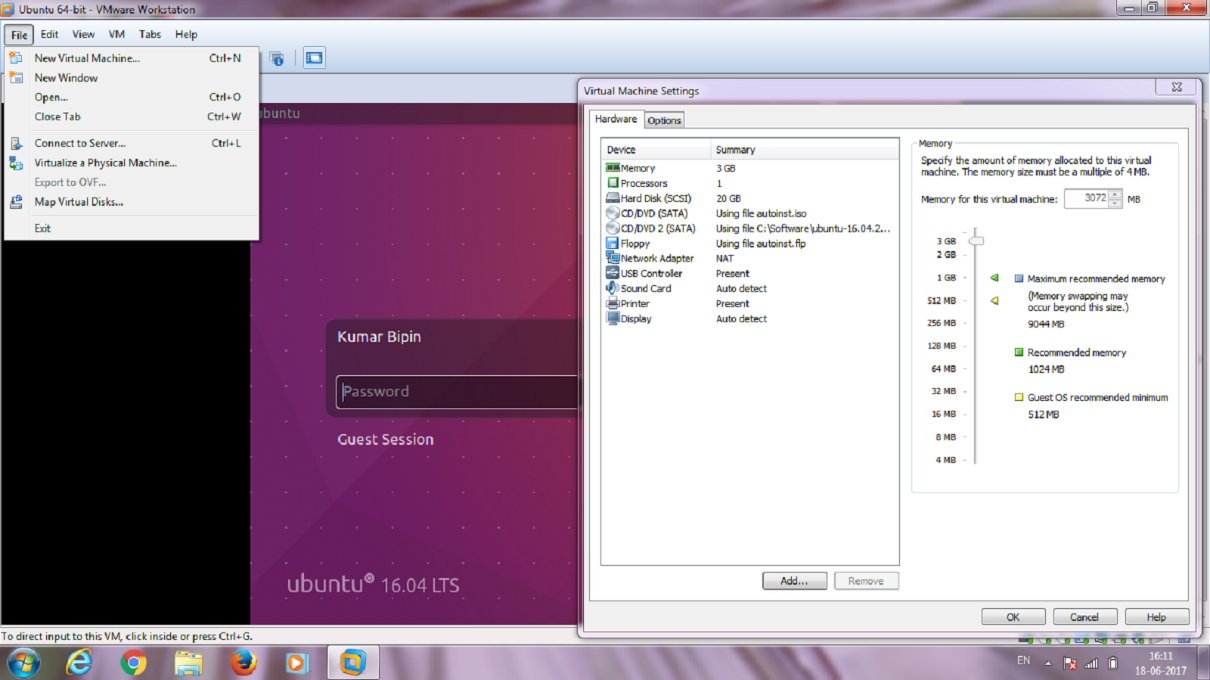
There is no difference in an ROS installation on a virtual machine. Therefore, we can simply install ROS Kinetic following the same instructions described in the previous section. We can run most of the examples and stacks that we are going to work with. Unfortunately, the virtual machine may have problems when working and interfacing with external custom hardware through ROS. Moreover, performance degradation could also be observed with ROS running in a virtual machine. ...