March 2006
Intermediate to advanced
304 pages
9h 55m
English
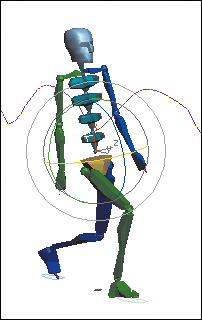
1. | Select the Bip01 Spine object. This is the lowest spine link on the biped.
|
2. | On the same keyframes you adjusted for the COM before, rotate the Bip01 Spine object about its X and Y axis so the arms swing in synchronization with the leg movements.
|
3. | Repeat the process for the upper arms so they swing even more. With Auto Key still on, reposition the arms so they swing farther back on the backswing, and closer to the chest on the upswing.
|
4. | The last thing to do is to add some movement to the head. At the same key frames, rotate the Bip01 head object about 10 degrees to counterbalance the hip and shoulder movement. ... |