Skip to Content
3ds Max Animation with Biped
book

3ds Max Animation with Biped

by Michele Bousquet, Michael McCarthy
March 2006
Intermediate to advanced
304 pages
9h 55m
English
New Riders
Content preview from 3ds Max Animation with Biped

Exercise 8.4. Adjusting Arms

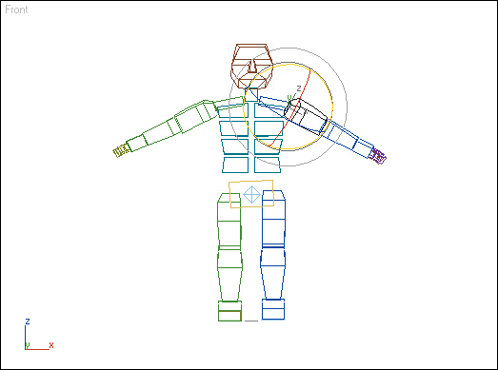
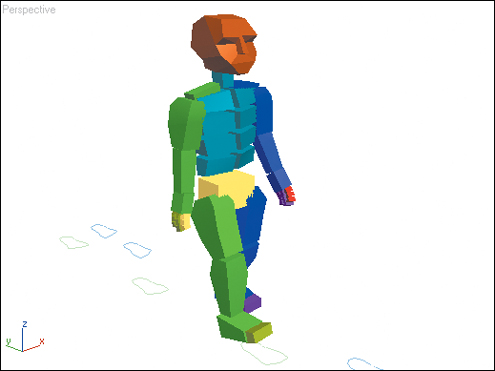
In this exercise, we’ll make a stocky biped move its arms away from its body. We’ll use the Apply Increment feature to change the arms throughout the animation so that the biped flaps its arms like a chicken trying to take flight.
1.
Load the file Stocky.max from the CD. This file contains a stocky biped with an eight-footstep walk. The biped walks with its arms at its sides.
2.
Select the biped’s right and left UpperArm objects.
3.
Go to frame 0. In the trackbar, you’ll see the biped keys for the arms.

4.
On the ...
Become an O’Reilly member and get unlimited access to this title plus top books and audiobooks from O’Reilly and nearly 200 top publishers, thousands of courses curated by job role, 150+ live events each month,
and much more.
Start your free trial

You might also like

Deconstructing the Elements with 3ds Max, 3rd Edition

Deconstructing the Elements with 3ds Max, 3rd Edition

Pete Draper

Publisher Resources

ISBN: 0321375726Purchase book