March 2006
Intermediate to advanced
304 pages
9h 55m
English
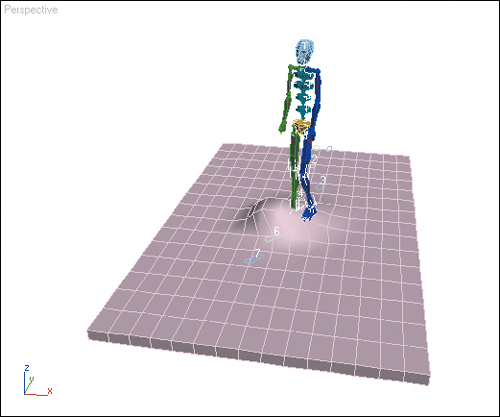
In this exercise, you’ll adjust the biped’s legs and feet.
1. | Load the file Bump.max that you created in Chapter 4, or load it from the CD.
|
2. | Move to frame 60 where the biped is stepping over the highest part of the bump.
In this animation, the biped’s foot passes through the bump between frames 50 and 60. You’re going to change the positions of the legs to make the biped step over the bump.
|
3. | Turn on the  Key Mode Toggle. This will allow you to move from key to key more easily.
|
4. | Select the foot that steps ... |