March 2006
Intermediate to advanced
304 pages
9h 55m
English
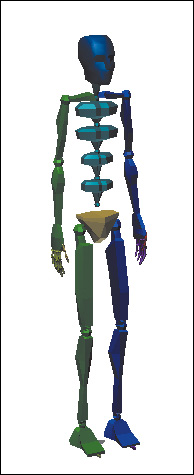
In this exercise, you’ll practice working with the options in the Create Multiple Footsteps dialog.
1. | Reset 3ds Max.
|
2. | Create a biped of any size.
|
3. | Save the file as MYBIPED.MAX in your folder.
|
4. | Select any biped part and go to the  Motion panel.
|
5. | Click  Footstep Mode to turn it on.
|
6. | Choose the  Walk gait if ... Walk gait if ... |