March 2006
Intermediate to advanced
304 pages
9h 55m
English
In this exercise, you’ll continue animating the jumping biped’s arms. Here, you’ll use Copy Posture and Paste Posture to copy the positions of the arm keys from one frame to another.
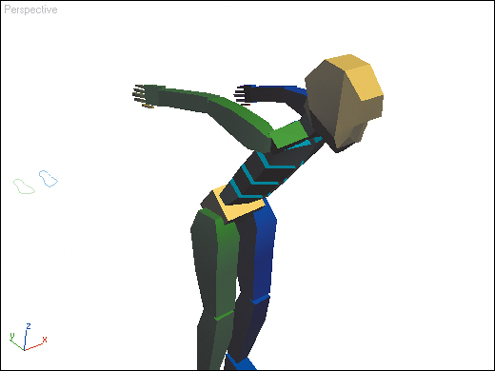
1. | Load the file Arms.max that you made in the preceding exercise, or load the file from the CD.
|
2. | Go to frame 20.
This is where the arms swing back to prepare for the jump.
|
3. | Activate the Perspective viewport, then select the biped’s upper arms and the COM.
|
4. | On the Copy/Paste rollout, click  Create Collection. Turn on ... Create Collection. Turn on ... |