March 2006
Intermediate to advanced
304 pages
9h 55m
English
In this exercise, you’ll practice combining freeform techniques to make the dog jump and wag its tail.
1. | Load the file HappyDogJumpStart.max from the CD.
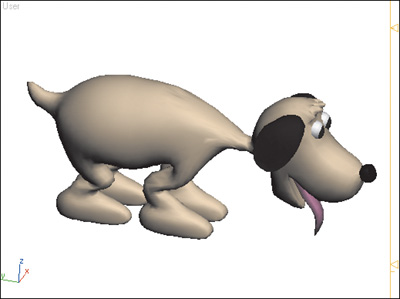
This file contains the dog doing a goofy walk, then stopping and bowing its head. We’re going to make the dog jump.
|
2. | Hide the named selection set Dog Parts. The biped remains visible in the viewport.
|
3. | Go to frame 80.
The last frame of the animation is on frame 80. We don’t want the dog’s hands and feet (all four paws) to start moving until after this frame, so we need to set some planted keys at frame 80.
|
4. | For each hand and foot, click
Set Planted Key. Now ... |