March 2006
Intermediate to advanced
304 pages
9h 55m
English
In this exercise, you’ll create a simple crowd scene simulating moths flying around a light source. Delegates will fly around a lamp object, and you’ll become familiar with the Crowd tools. In later exercises, we’ll show you how to use several behaviors and other tools together to make a complete simulation.
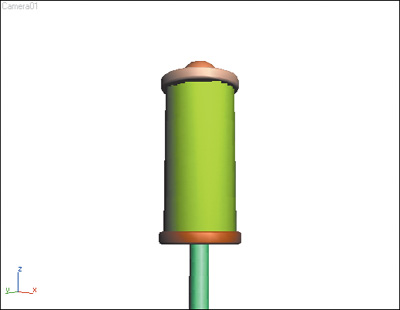
1. | Load the file Moths.max from the CD. This scene contains a simple outdoor lamp, like one that might be found in a backyard garden.
|
2. | Zoom out of the Top viewport until the lamp is about 1/8 the size of the viewport.
|
3. | Go to the Create panel and click
Helpers.
|
4. | Click Crowd in the Helpers ... |