March 2006
Intermediate to advanced
304 pages
9h 55m
English
Your next task is to make the ball “stick” to one of the biped’s hands at frame 50, using Link Constraint. You could stick both hands to the ball if you wanted to, but you’d still have to keyframe it one hand at a time.
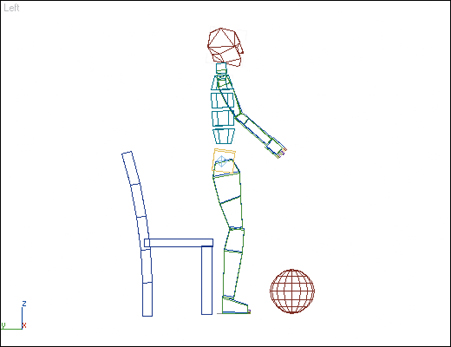
1. | Select the ball.
|
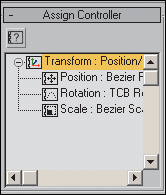
2. | Go to the Motion panel, and expand the Assign Controller rollout if it isn’t already visible.
|
3. | Select the Transform track on the hierarchy list.
|
4. | Click the  Assign Controller button.
|
5. ... |