March 2006
Intermediate to advanced
304 pages
9h 55m
English
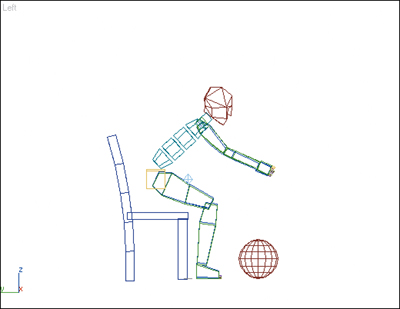
In this exercise, you’ll make a biped bend over and pick up a ball, by changing what the ball is linked to.
1. | Load the file Standing.max from the CD. This file contains a biped standing up from a sitting position.
|
2. | Go to frame 50.
|
3. | Turn on the Auto Key button.
|
4. | Select the Biped and open the Motion panel. On the Track Selection rollout, click  Body Vertical to select the correct COM track.
Tip Character Studio in 3ds Max 8 has both Quaternion and Euler controllers available. If you get unexpected results with ... |