March 2006
Intermediate to advanced
304 pages
9h 55m
English
To generate random motion for multiple bipeds, you must first save an MFE file and then set up a shared motion flow.
MFE files contain clips, transitions, and the script defined in the Scripts section of the Motion Flow rollout. (You don’t need a saved MFE file in order to generate random motion for one biped only.) To save an MFE file, click  Save File in the Motion Flow rollout. By default, MFE files are saved in your \3dsMax8\Animations folder.
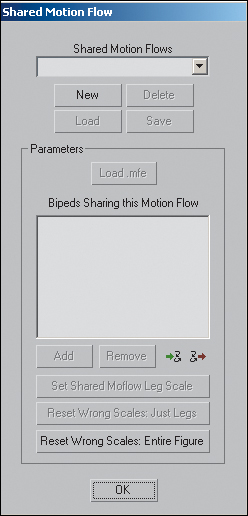
To set up shared motion flow, click Shared Motion Flow in ...