December 2018
Beginner
826 pages
22h 54m
English
If you want information about a package, one thing that you might like is the changelog, accessible from your system with a simple RPM command.
First, find the package you want to check; we're going to grab the most recently installed kernel:
$ rpm -q kernel --lastkernel-3.10.0-862.14.4.el7.x86_64 Sun 30 Sep 2018 16:40:08 UTCkernel-3.10.0-862.2.3.el7.x86_64 Sat 12 May 2018 18:51:56 UTC
Now, open the changelog for that kernel (it's long):
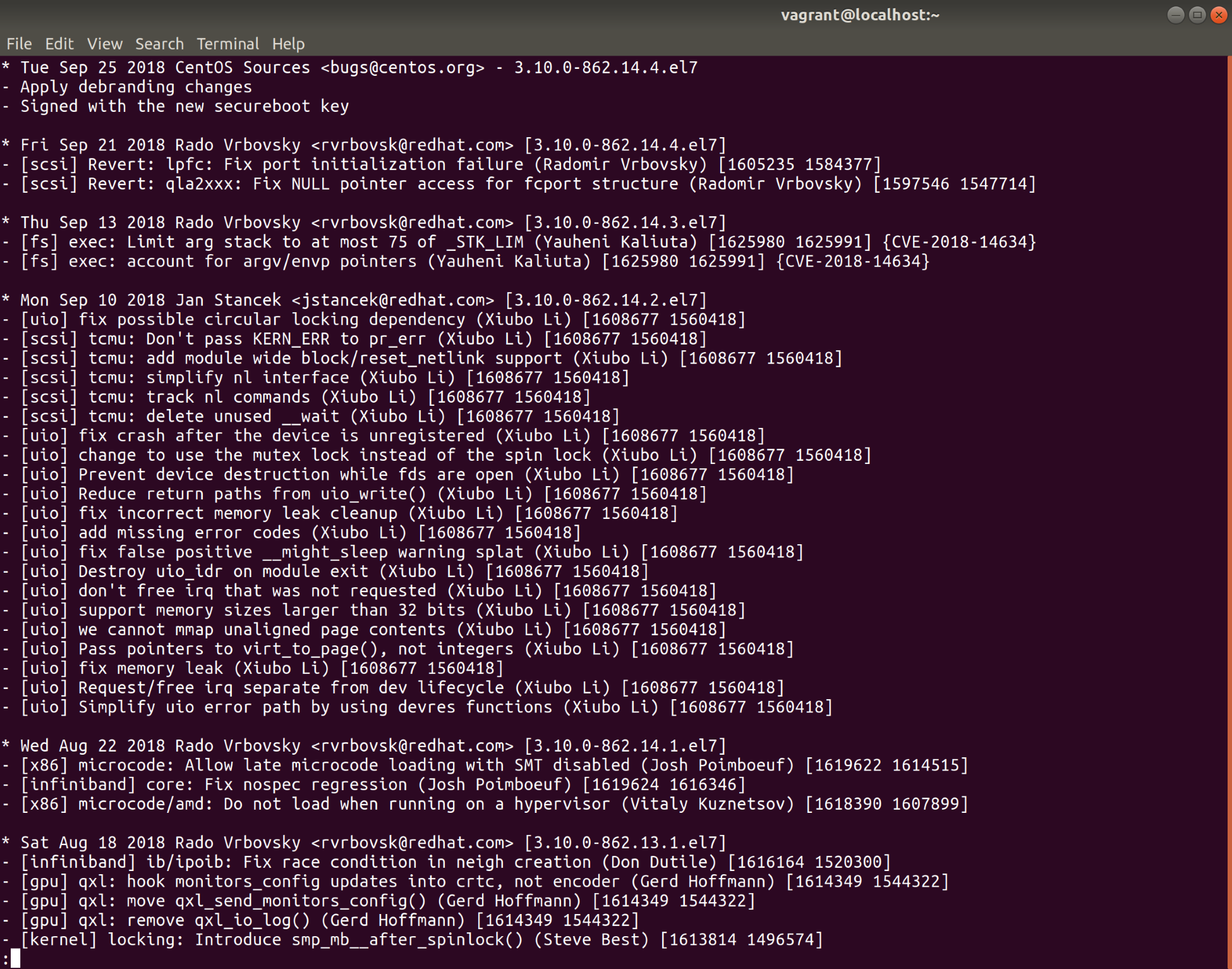
$ rpm -q --changelog kernel-3.10.0-862.14.4.el7.x86_64 | less
You will get something like the following:
This can be a good way to check for specific changes, but it can also sometimes ...